How to do it
Open Share
With an active subscription, press Share at the top of your project: Put it on your website is right next to The link.
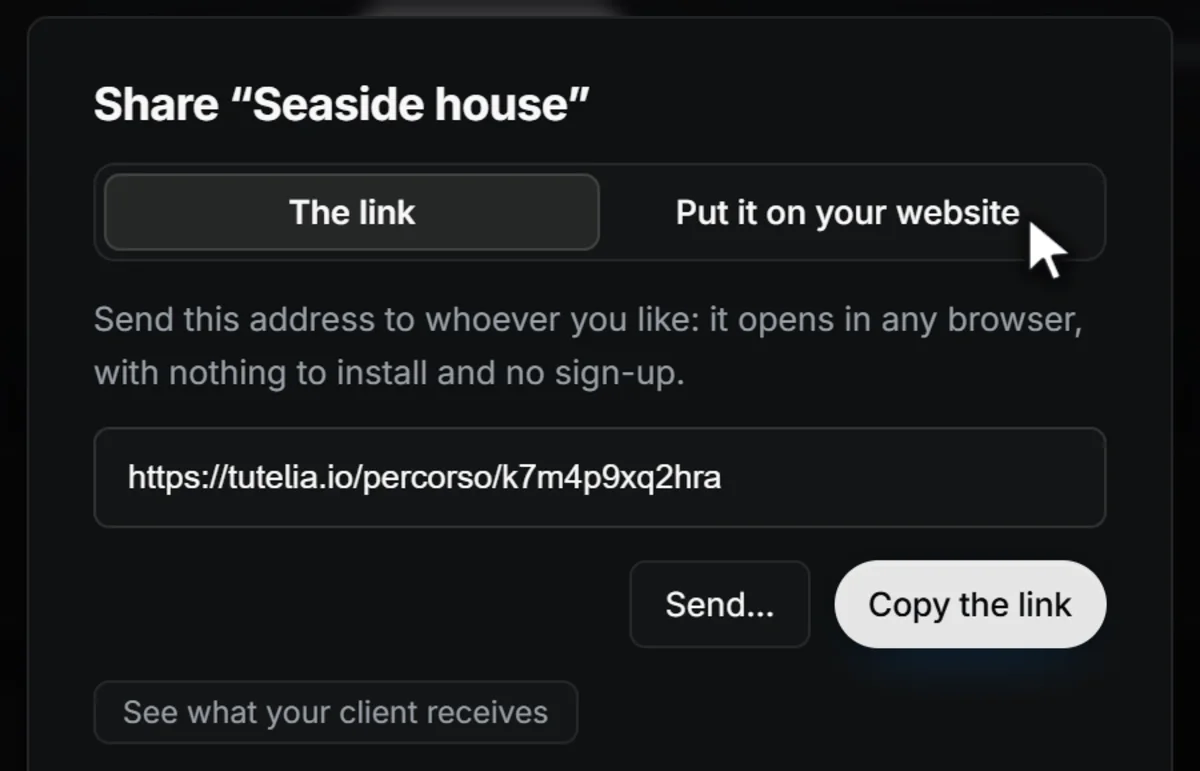
Copy the line
Open Put it on your website and press Copy the code (“Code copied” appears); to try it first, See how it looks opens the home on its own in a new browser tab.
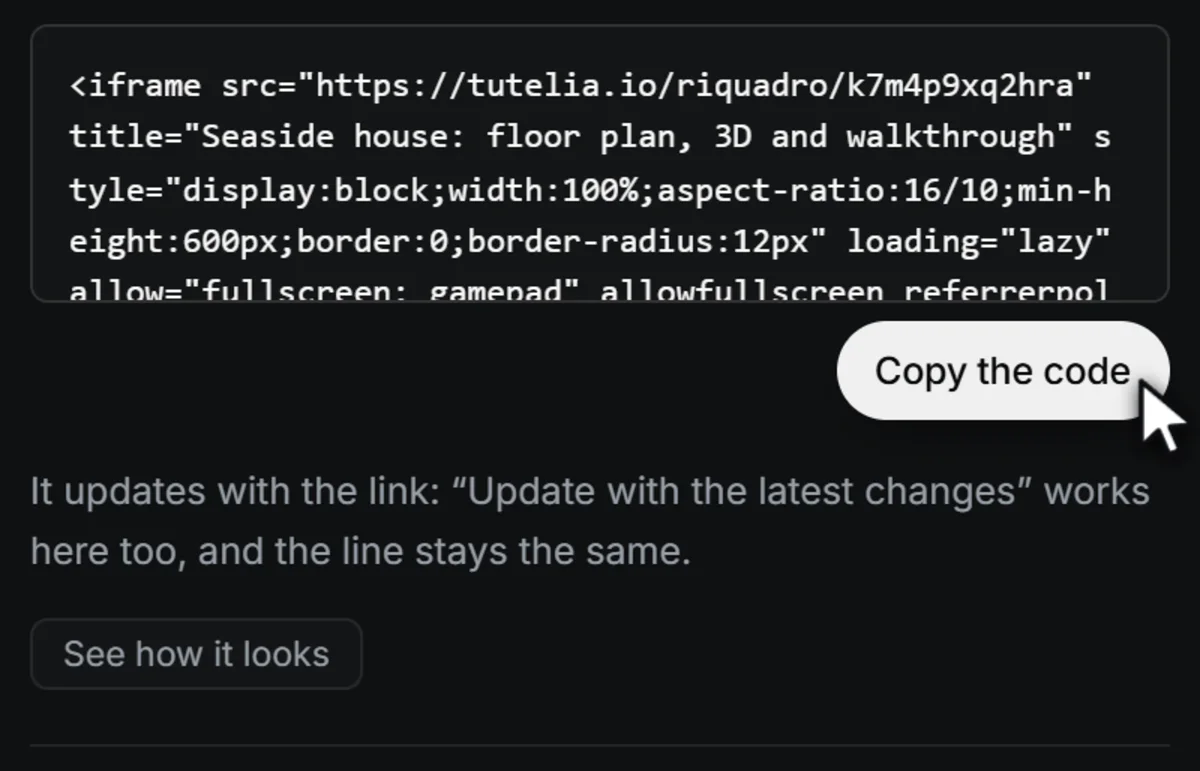
Paste it into the listing
Paste it into the listing page on your website, in an “HTML” or “Embed code” block; if someone else looks after your site, send the line to them.
Check the listing
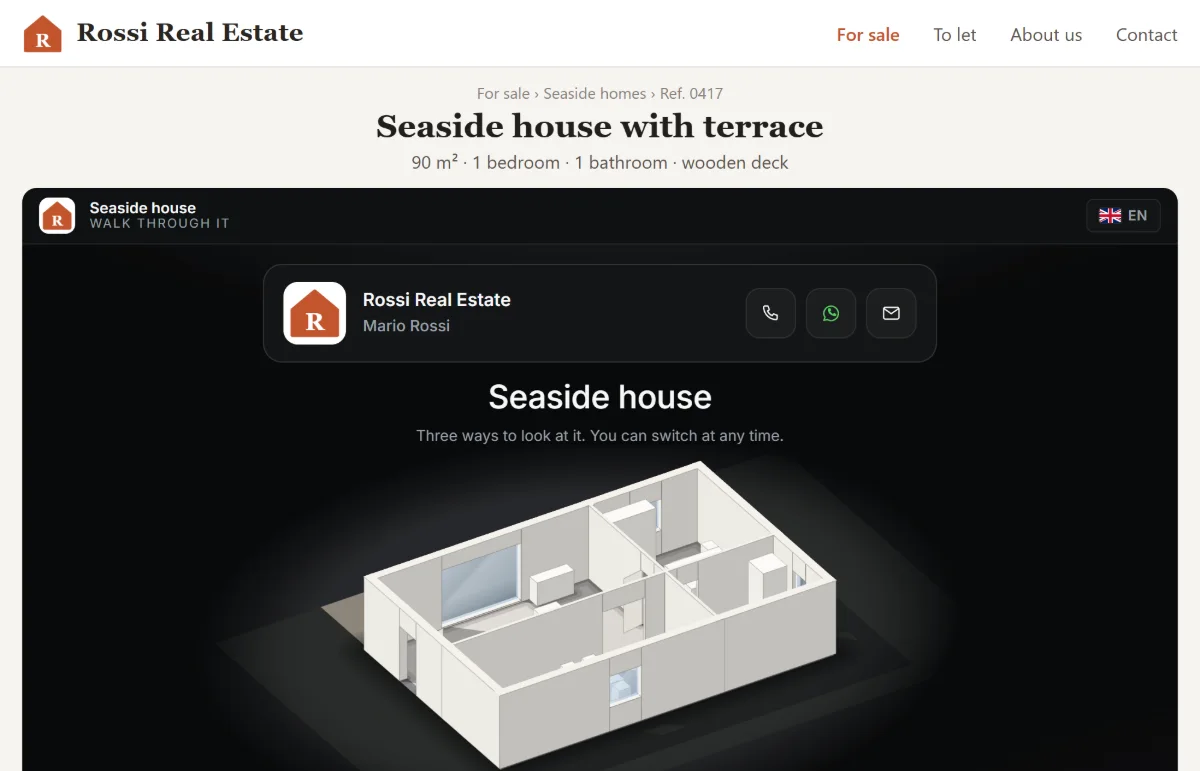
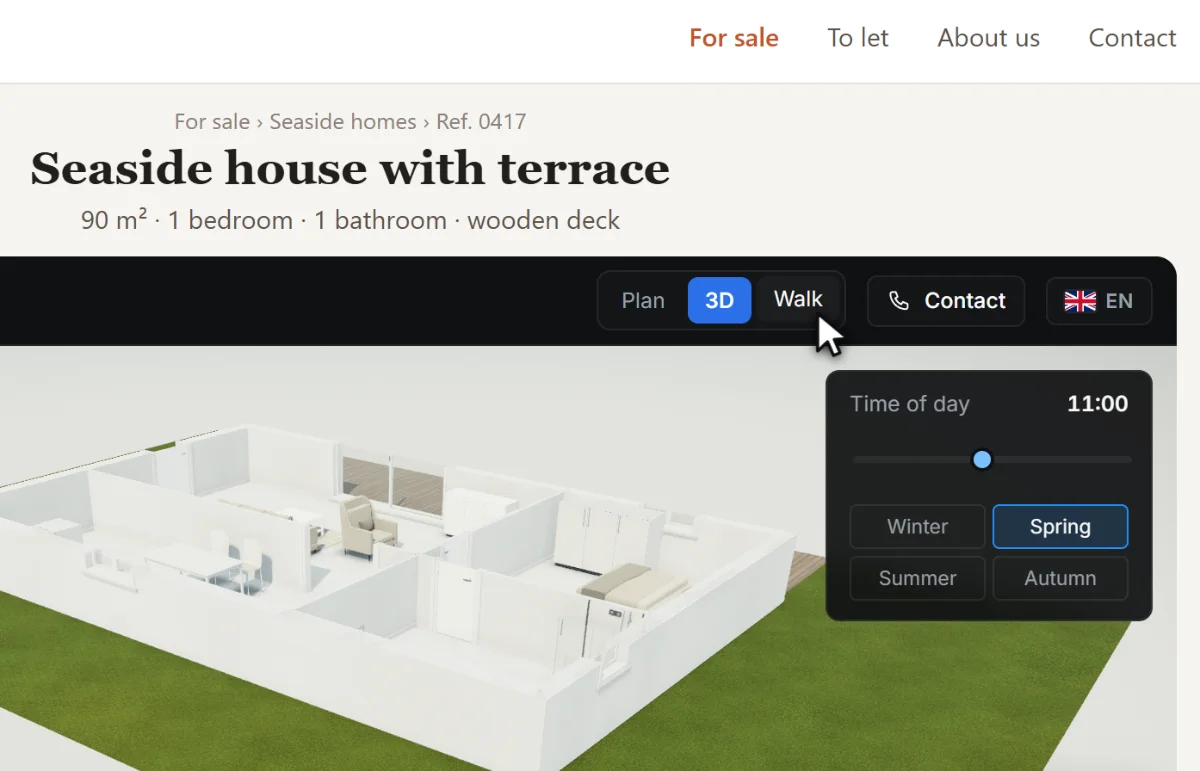
Open the listing: the home is there with your logo (if you added it in Your branding), and on a computer or tablet visitors switch between Plan, 3D and Walk without leaving the page.
What you learned
- Finding Put it on your website in the Share window.
- Copying the line with Copy the code and pasting it into the listing page.
- Checking how the home looks on your website.
Good to know
- It updates with the link: Update with the latest changes works for your website too and the line stays the same; if you press Stop sharing and share again, the line changes and must be replaced on your site.
- If your subscription ends, the home is replaced by a neutral message, “This home is not available to view right now”, and it comes back on its own when you renew.
- Opens from your website are counted together with those from the link, on the project card in My projects. For a floor plan with square metres to go in the listing, see the estate agent floor plans guide.