Sun exposure simulator for your home: see where the sunlight falls, room by room and hour by hour
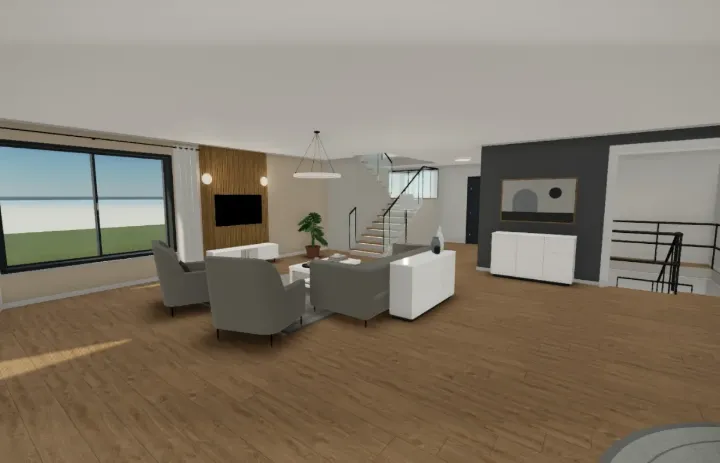
Before you buy, build or renovate a home, it pays to know where the sun comes in: which rooms, at what time, in which season. With Tutelia you draw the home in your browser, on a computer or tablet, set which way is north and the home's latitude, and step inside in 3D: move the time of day and the season and watch the sunlight on the floor, room by room. Then send it as a link, and whoever opens it can do the same, with no sign-up.
Draw and walk through up to 2 projects for free, with nothing to install and no credit card.
What a home's sun exposure means
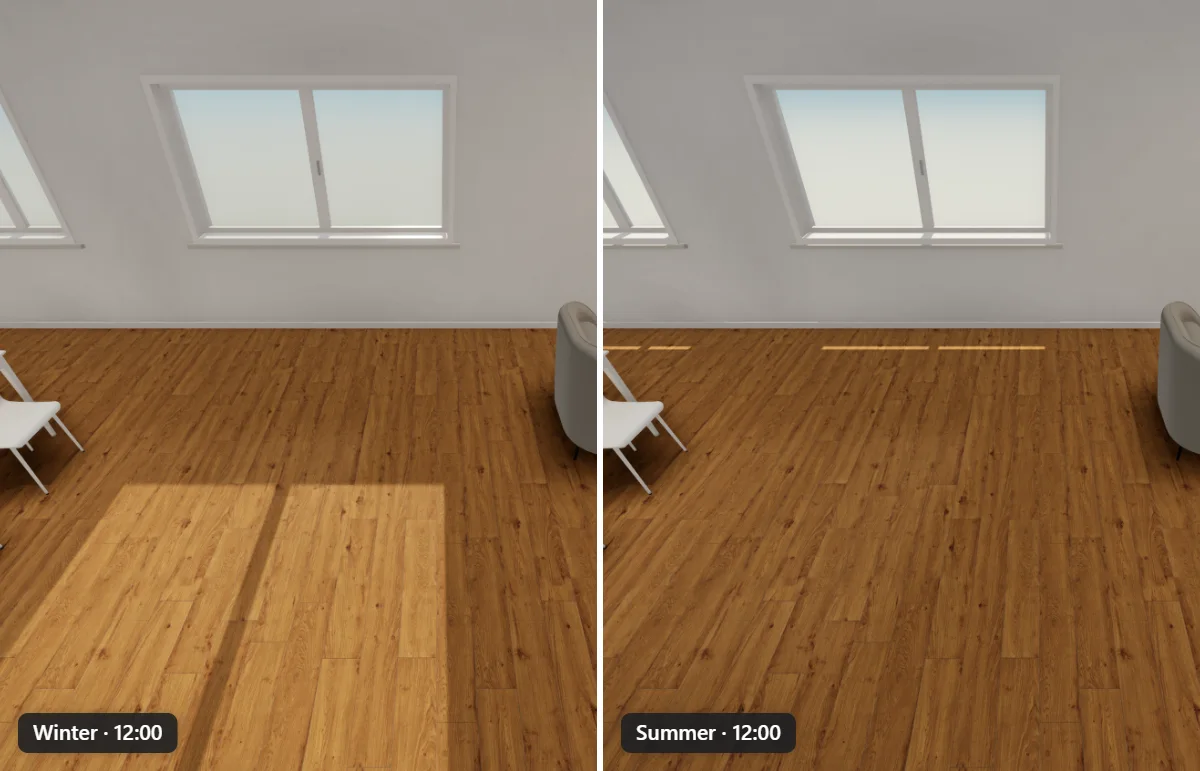
A home's sun exposure, or orientation, is the direction its windows face, and it decides how much light and sunshine reach each room. In the northern hemisphere a south-facing room gets sun for much of the day: low and deep into the room in winter, high and shallow in summer. East gets the morning sun, west the afternoon and evening sun, warmest in summer, and north hardly ever gets direct sun, so its light is cooler but steady.
So a south-east-facing flat has sun from the morning to early afternoon. These rules help, but they don't tell you what your own home is like: a deep room, a narrow window or a balcony on the floor above changes everything. A sun exposure simulator lets you see it, instead of imagining it.
Set north and the latitude
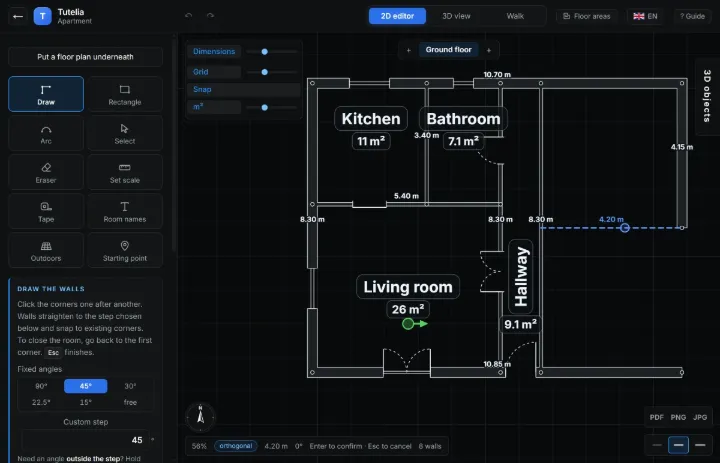
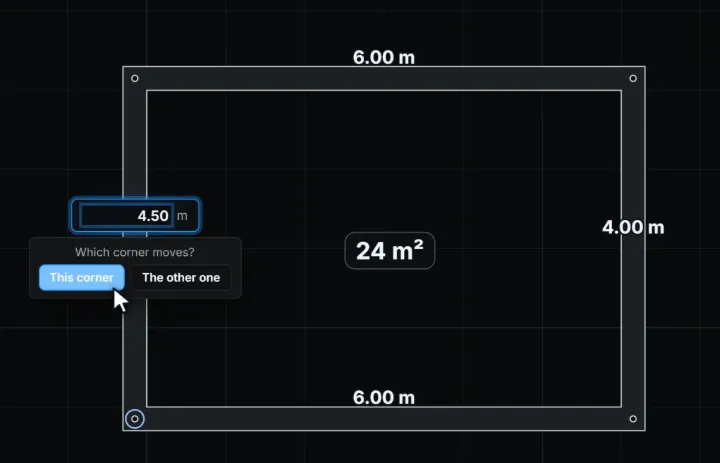
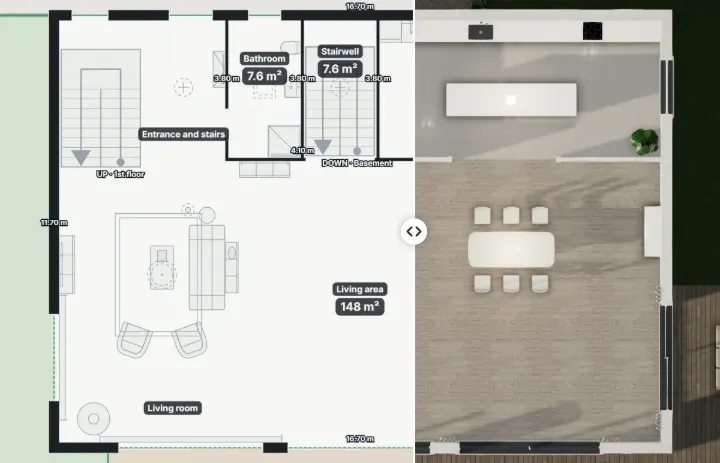
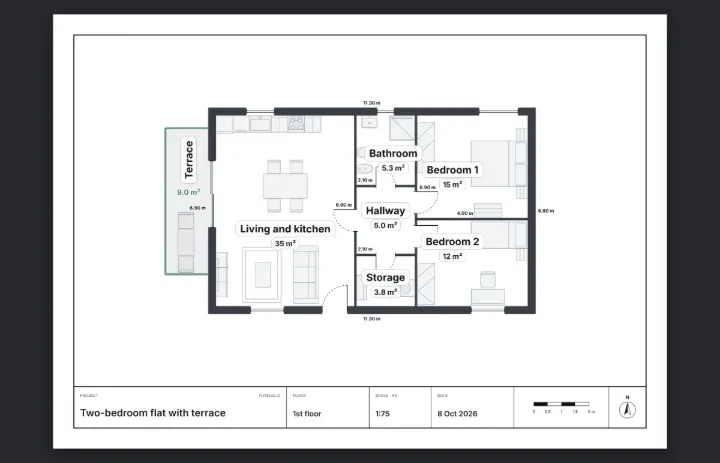
First you need the home: draw it on the grid by typing the length of each wall, or trace the floor plan from the listing or the builder, as the guide to converting a floor plan to 3D explains. What matters most are the windows and French doors, where they are and how big: that's where the sun comes in.
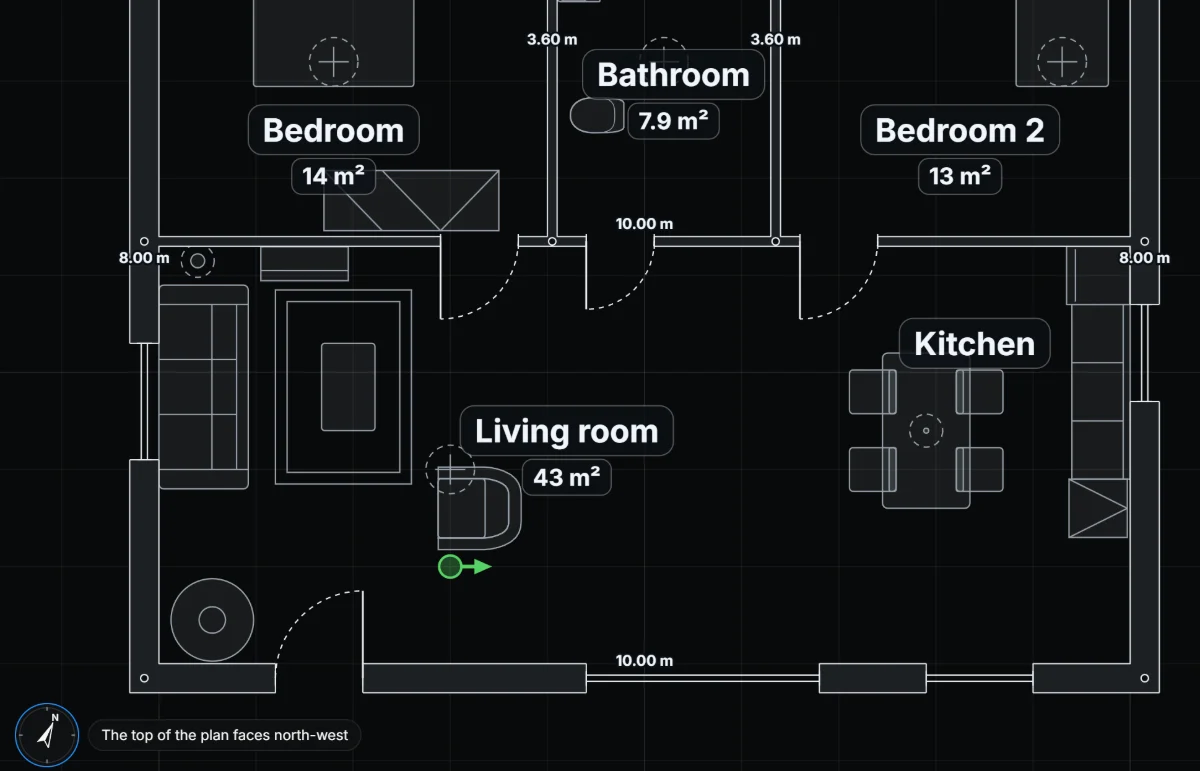
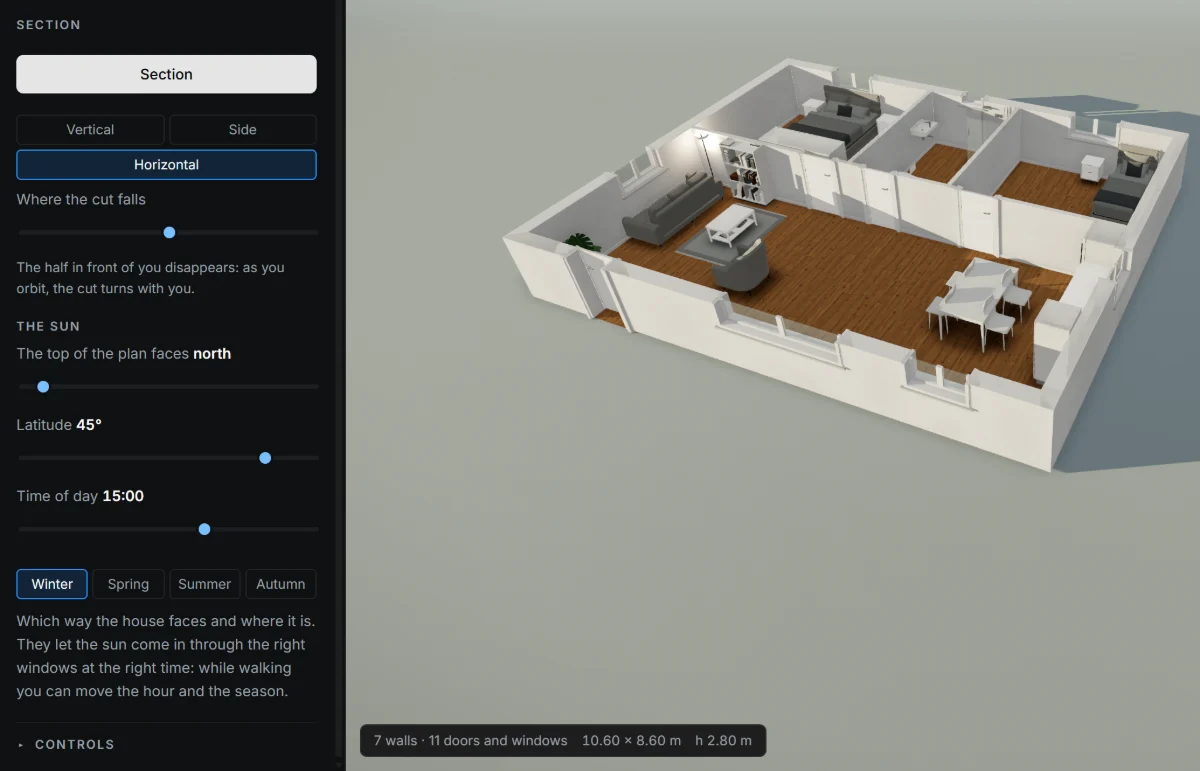
Then set where north is: the compass in the bottom-left corner of the plan turns as you drag it, and a line beside it reads ‘The top of the plan faces…’ with the direction. If the plan has a north arrow, copy it; if not, look the home up on a map. In the 3D view, under The sun in the sidebar, set the Latitude: 52° for London, 53° for Manchester, 56° for Edinburgh.
Move the time and season, and watch the light
In the same panel you move the Time of day in quarter-hour steps and choose Winter, Spring, Summer or Autumn: the four days that matter, 21 December, when the sun is lowest, 21 March, 21 June, when it's highest, and 23 September. With Section, then Vertical or Side, you take away the wall on your side and watch the sun come in through the window opposite, as the tutorial on showing where the sun comes in explains.
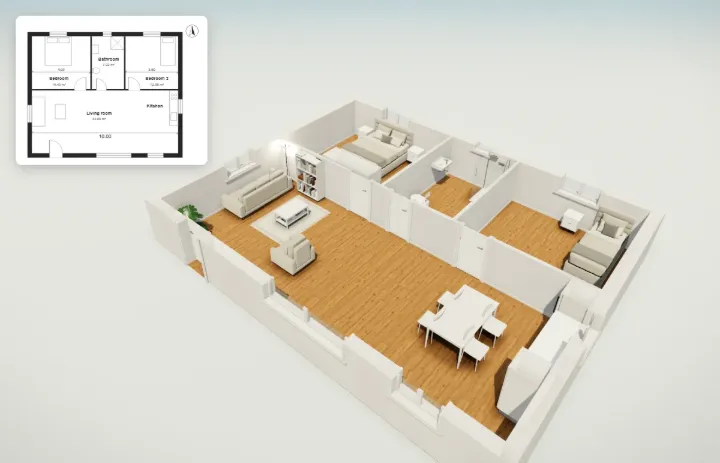
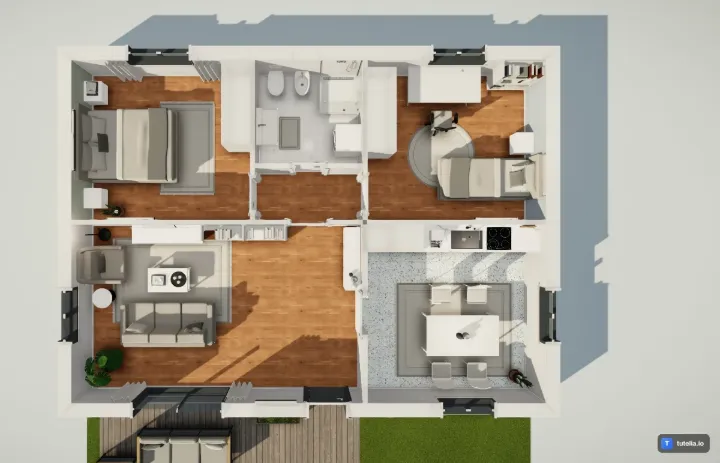
Then set the Starting point, press Walk and step inside: the light on the floor, the sun reaching the sofa or stopping under the window, the room that stays in shade. While walking, Esc gives you back the mouse and you change the Time of day in the top-right corner, as the walking tutorial shows. Once the sun sets, the home goes dark: only the lamps you've placed and the faint moonlight through the windows remain, with the stars outside.
Before you buy, build or renovate
Buyers usually view a home once, at one time of day. Redraw the flat from the listing's floor plan and see what it's like at 8 am on a winter morning or at 6 pm in summer, before you commit.
Self-builders can test the orientation while it can still change: turn the compass and watch the light in the living room shift. And developers selling homes that aren't built yet can show it to buyers, as the guide to off-plan sales in 3D explains.
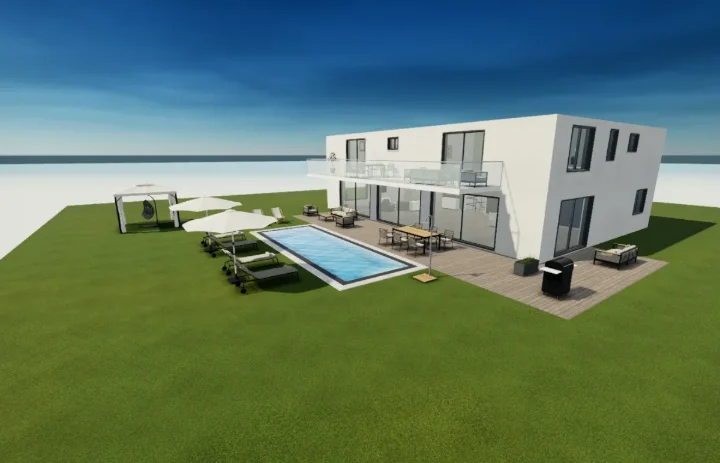
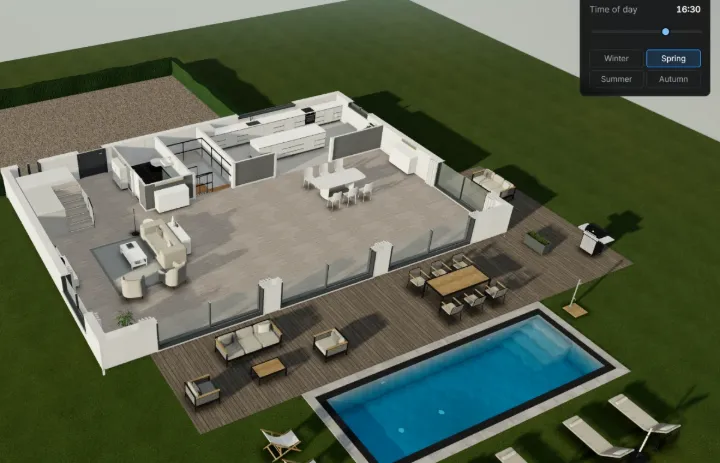
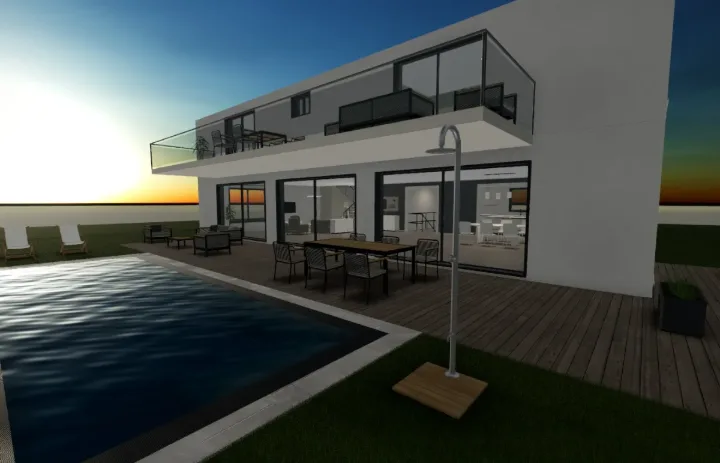
Renovators see what changes when they add a window or widen a French door. And outside, in the garden and around the pool, you see where the sun falls on the terrace or the lawn at any hour.
What the simulation doesn't see
Only what's in the drawing casts shadows: walls, balconies, furniture. Neighbouring buildings and the landscape around aren't there, so they cast no shadow: if a tall building stands opposite, the real sun reaches the lower floors for fewer hours than you see here, or not at all. And the weather is always fine: clouds never cover the sun.
The time is solar time: at 12:00 the sun is at its highest. Tutelia doesn't count hours of sunshine or estimate the output of solar panels, and it doesn't replace a professional's assessment: it lets you see the light, room by room.
Frequently asked questions
Which way should a house face for sun?
It depends on how you live in it. Many people look for a south-facing living room or garden, which gets the low sun in winter and less of it in summer; east suits bedrooms, with the morning sun; west brings the afternoon and evening sun, welcome in winter and warm in summer. With Tutelia you look at the choice hour by hour, in your own home.
How can I tell which way a home faces from its floor plan?
Look for the north arrow: many floor plans show one, and the plan you download from Tutelia has it in the title block. Windows on the side opposite north face south. If there's no arrow, look the home up on a map and turn the plan's compass until it matches.
Do trees and nearby buildings cast shadows?
No: in Tutelia only what you draw casts shadows, meaning the home with its walls, balconies and furniture. Trees and surrounding buildings aren't there, so where something tall stands in front of the home, the real sun reaches it for fewer hours, or not at all.
Can I pick an exact date?
No, you choose one of the four seasons: 21 December, 21 March, 21 June and 23 September. They're the days that matter: the lowest sun, the highest and the two in between. The time of day moves in quarter-hour steps, night included.
Is the time the same as on my clock?
It's solar time: at 12:00 the sun is at its highest. Your clock can differ from it by a few tens of minutes, depending on where the home sits in its time zone and on the time of year; in summer, with British Summer Time, add an hour.
Can people with the link change the time?
Yes. On a computer, tablet or phone, with no sign-up, they move the time of day and the season and watch the light in the 3D view and as they walk through, but they can't change anything in the home. Drawing and walking through are free for up to 2 projects; sending the link comes with the subscription, which you can cancel at any time.
See the sun in the example house
The example villa opens with no sign-up: move the time of day and the season and see where the sun comes in. Then draw your own home, set north and do the same.
More guides
 3D floor plan online
 Floor plan maker
 Measuring for a floor plan
 Minimum room sizes
 Convert a floor plan to 3D
 How to read a floor plan
 Two-storey house in 3D
 Virtual house tour
 3D room planner
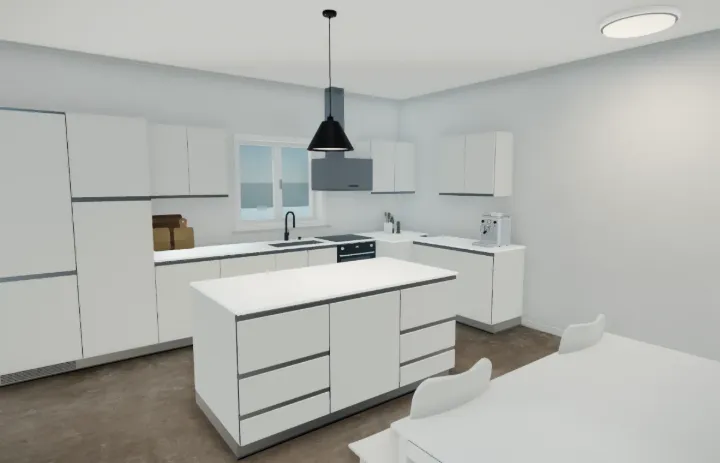 Kitchen planner in 3D
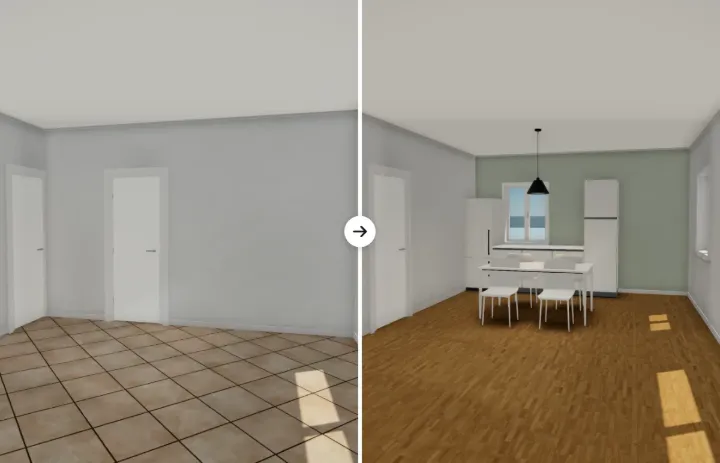 3D renovation planner
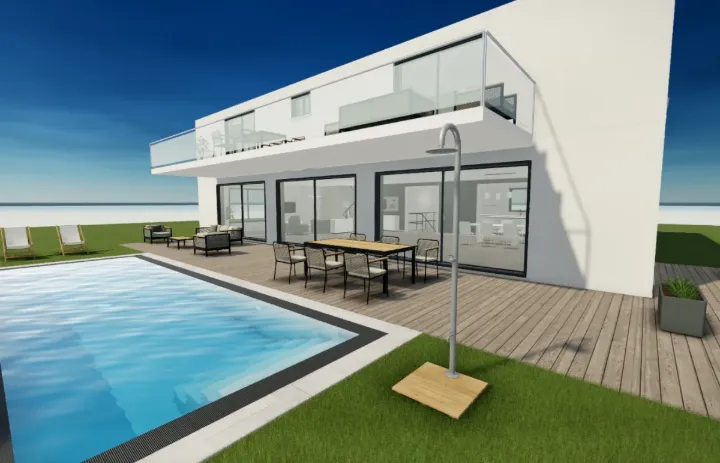
 Client presentations in 3D
 Garden and pool design in 3D
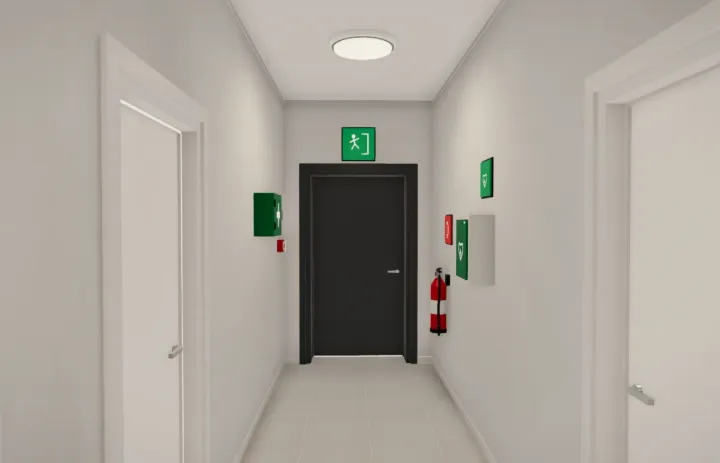 Evacuation plan in 3D
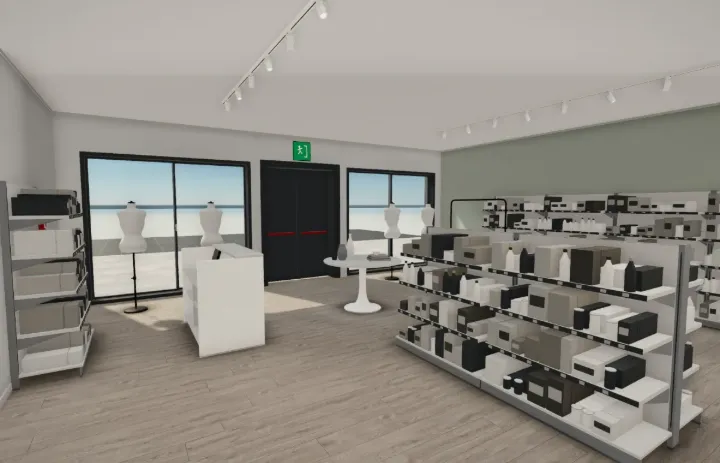 3D shop and office layout
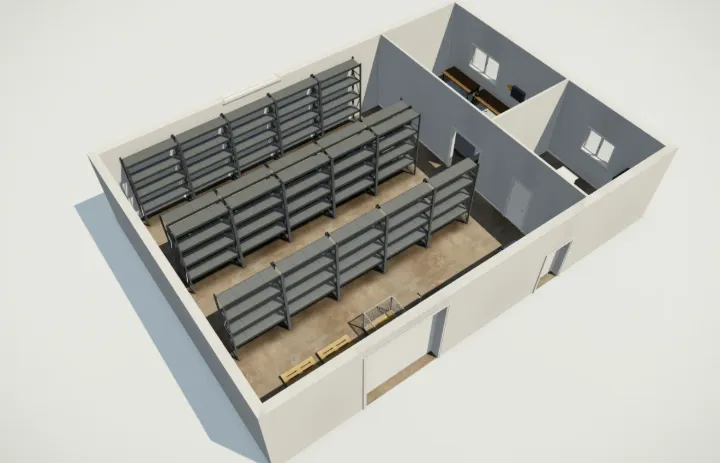 Warehouse layout in 3D
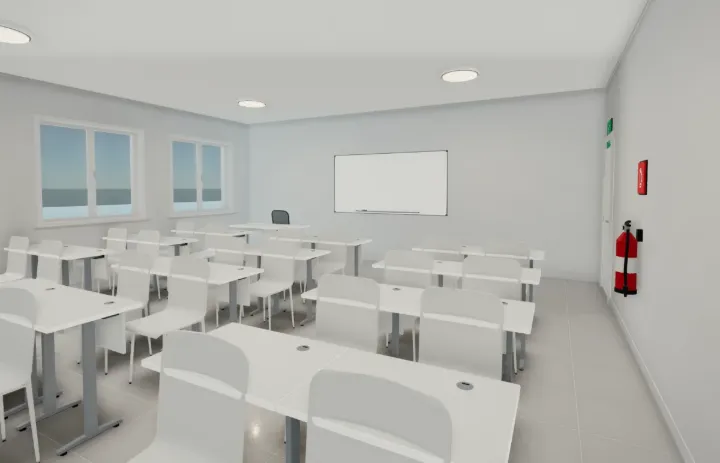 Classroom layout in 3D
 Estate agent floor plans
 3D floor plans for listings
 Floor area calculator
 Off-plan sales in 3D
 RoomSketcher alternative