How to do it
Open the assistant
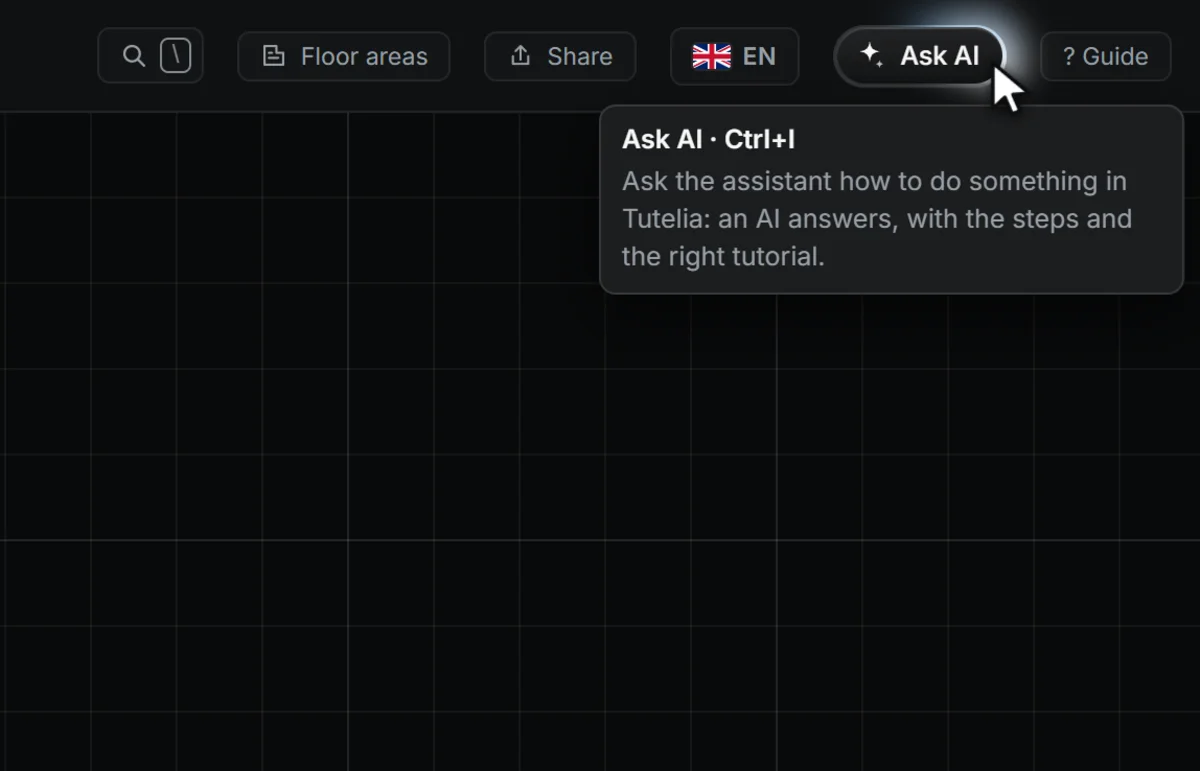
Inside a project, press Ask AI at the top, next to Guide (or Ctrl+I, ⌘+I on a Mac): the assistant opens in a column on the right.
Type your question
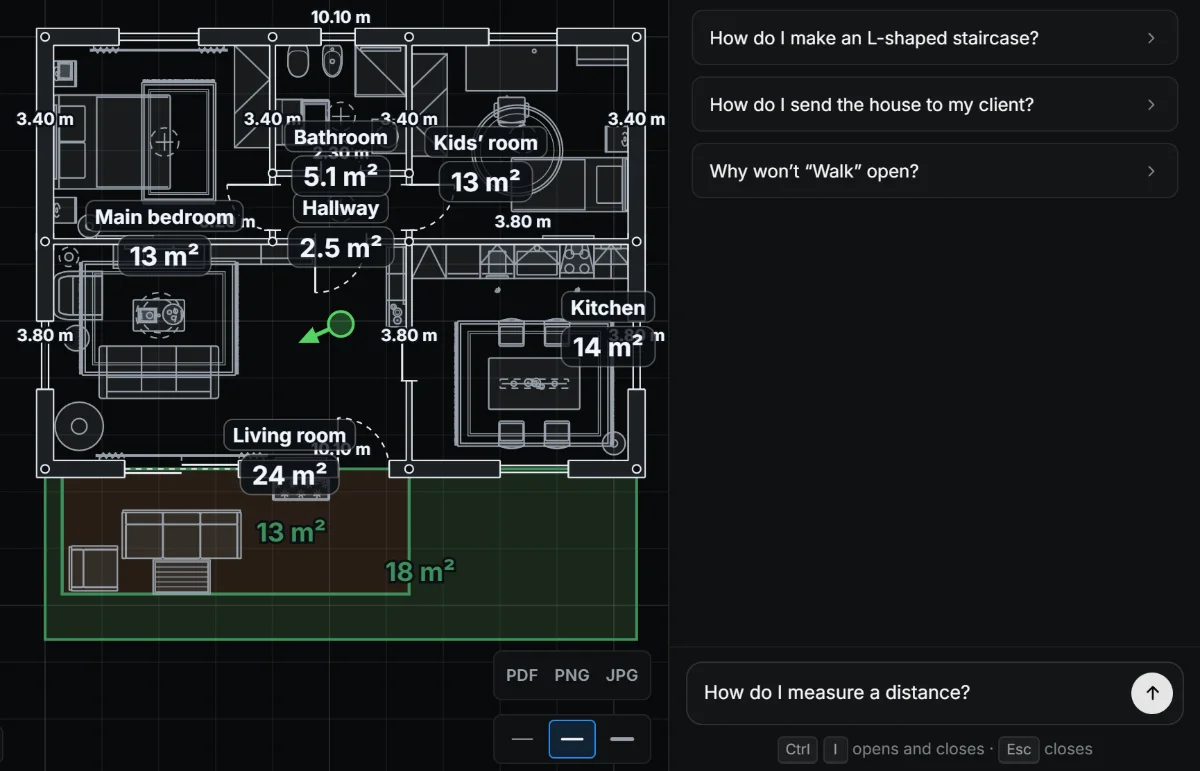
Type what you want to do in your own words, for example “How do I measure a distance?”, and press Enter, or pick one of the three ready-made questions.
Follow the steps
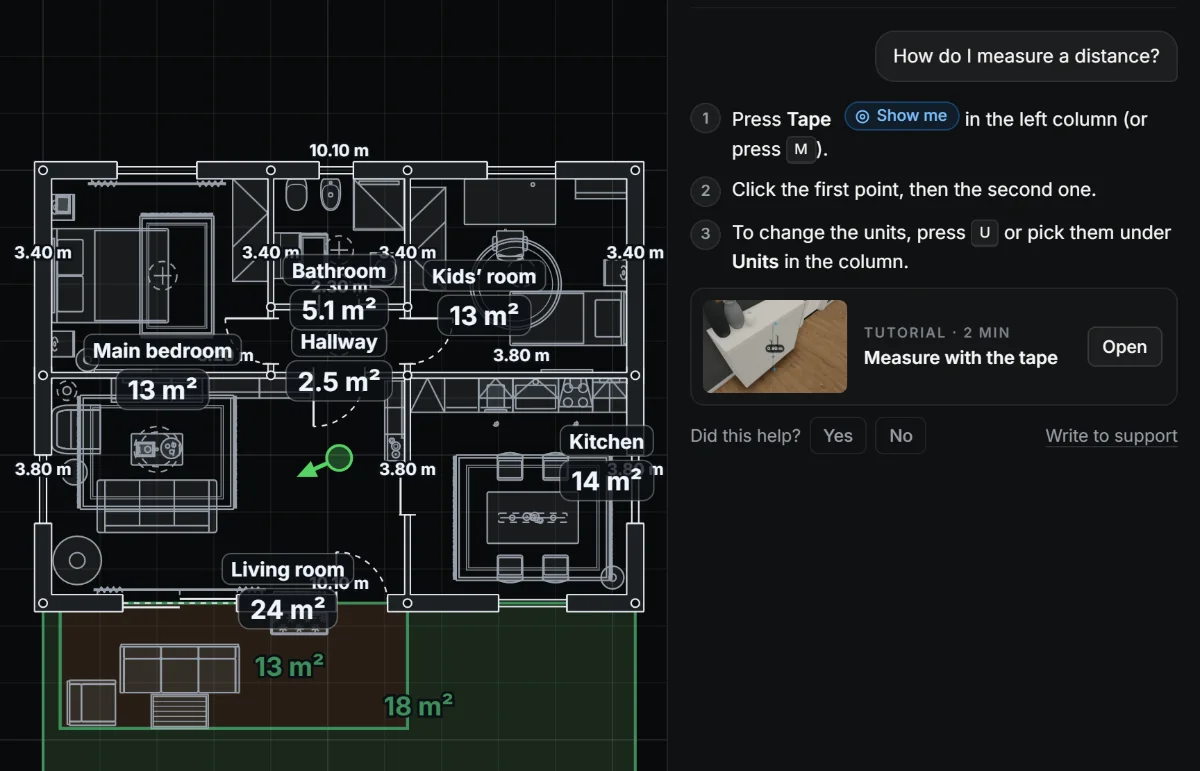
The answer appears as it’s written, with the steps in order and, when there is one, a card for the right tutorial to open.
Let it show you the control
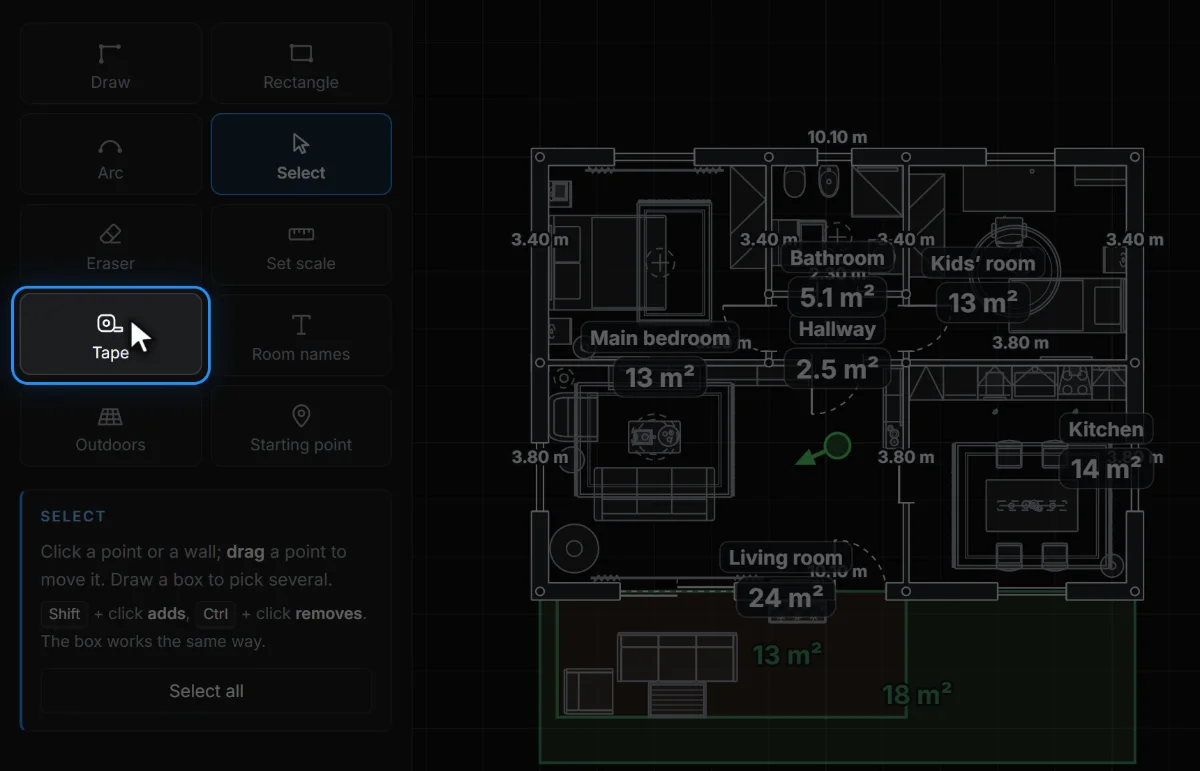
Press Show me next to a step: the control lights up on screen, and you can press it straight away.
What you learned
- Opening the assistant with Ask AI, or with Ctrl+I.
- Asking how to do something, in your own words.
- Following the steps in the answer and opening the right tutorial.
- Getting the control lit up on screen with Show me.
Good to know
- How many questions a day: 5 on the free plan, many more with Premium. You’ll find the assistant on the plan, in the 3D view and in Walk; phones are for viewing, not drawing, so it isn’t available there.
- It knows the tutorials and the guides, like the one on drawing a home floor plan, and answers in your language. The answers are written by Claude, Anthropic’s model, and can be wrong, so check the important steps.
- Tutelia doesn’t save the conversation: closing the column keeps it, reloading the page clears it, and the + at the top starts a new one. Don’t type in personal details the question doesn’t need (privacy).