How to do it
Turn the compass to north
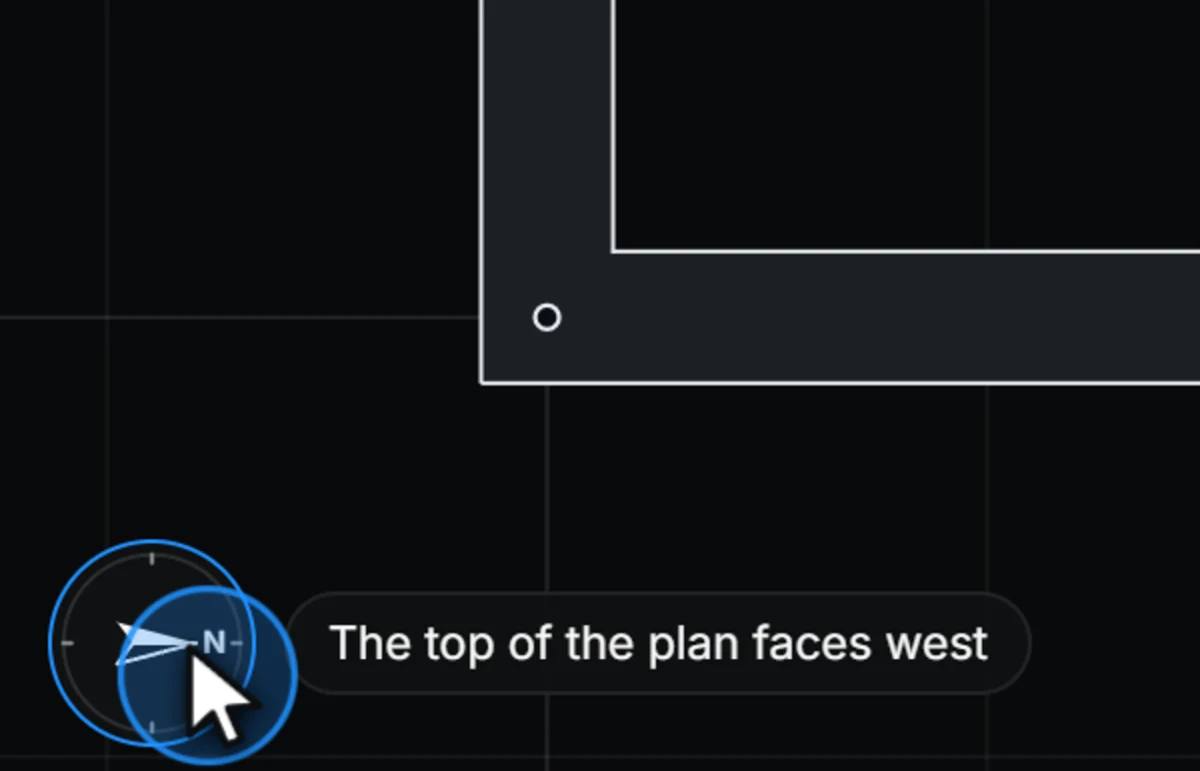
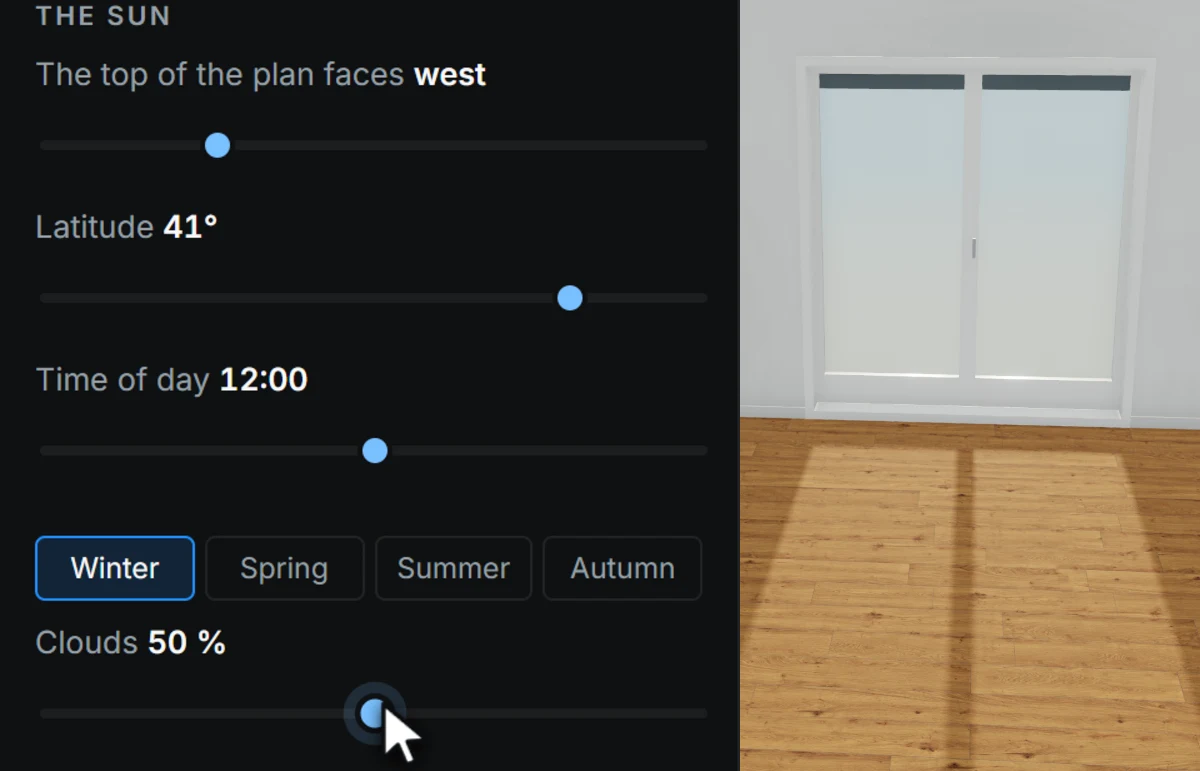
On the plan, at the bottom left, drag the compass needle to true north: next to it you read The top of the plan faces and the direction (in 3D it's the slider under The sun).
Set where the house is
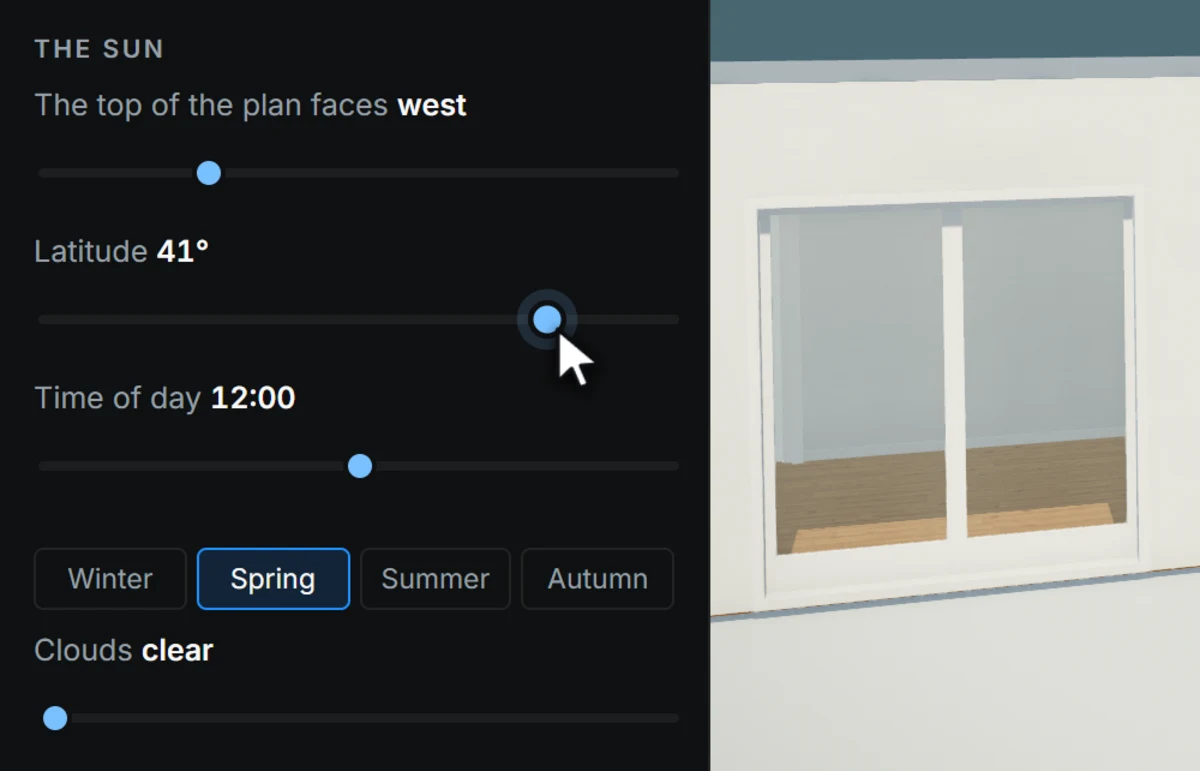
Open the 3D view and in the side panel, under The sun, set Latitude to match your city: about 41° for New York, 34° for Los Angeles, 51° for London.
Open up the room with Section
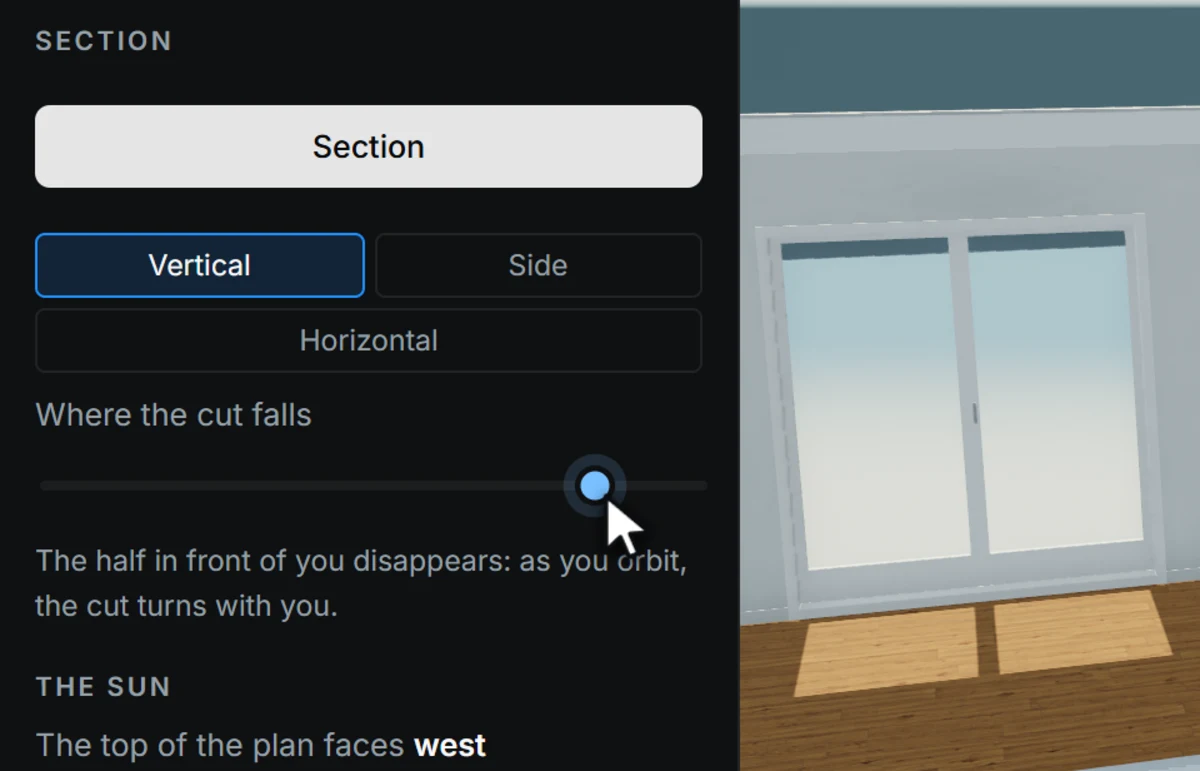
Press Section (then Side if the window is on a short side), drag to turn the view towards the window and move Where the cut falls until only the wall nearest you disappears.
Pick the time and season
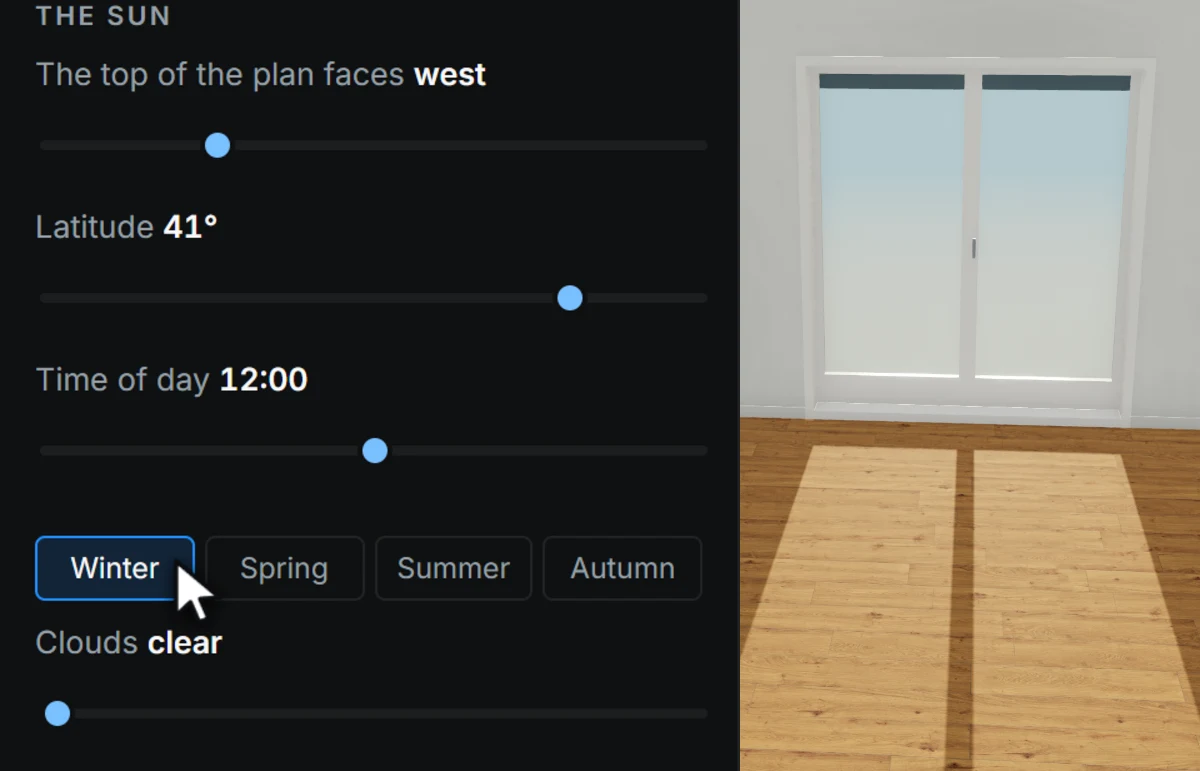
Drag Time of day and press a season: at noon, by a south-facing window, Winter sun is low and reaches the back of the room, Summer sun is high and stops under the window.
Add some clouds
Below the seasons, drag Clouds from clear towards overcast: the more clouds there are, the more diffuse the light and the softer the shadows.
What you learned
- Turning the compass to true north and setting the house's latitude.
- Opening up the room with Section to face the window from inside.
- Seeing where the sun comes in at any time and in any season.
- Softening the light and the shadows with clouds.
Good to know
- While you walk the mouse scroll wheel moves the time and the sun slides across the room (the walking tutorial shows how); press Esc and you'll also find Clouds below the time and the seasons. Is it all black or dark? Usually it's night: move the Time of day in the side panel towards daytime; at night your lamps give the light. If the 3D doesn't start at all, the app tells you so with “This browser cannot show the 3D view”.
- Anyone who opens your link can change the time of day and the season themselves, without signing up, and sees the north and the clouds you chose.
- For the sun, use Vertical or Side: with Horizontal the ceiling goes and the light falls in from above, not through the windows. If Section is already on, just pick the direction: pressing it again turns it off. The home sun exposure guide explains the rest.