How to do it
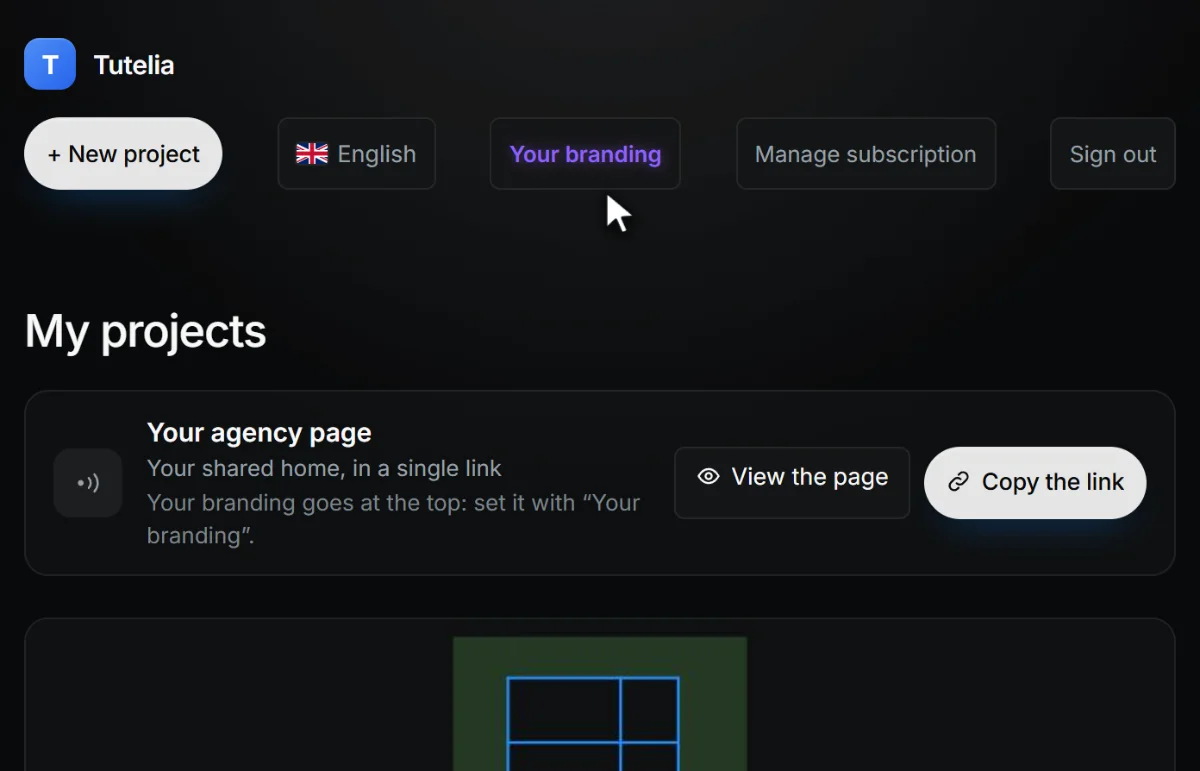
Open Your branding
With a subscription, at the top of My projects press Your branding: the Your branding on shared links window opens, with a preview of what your client will see.
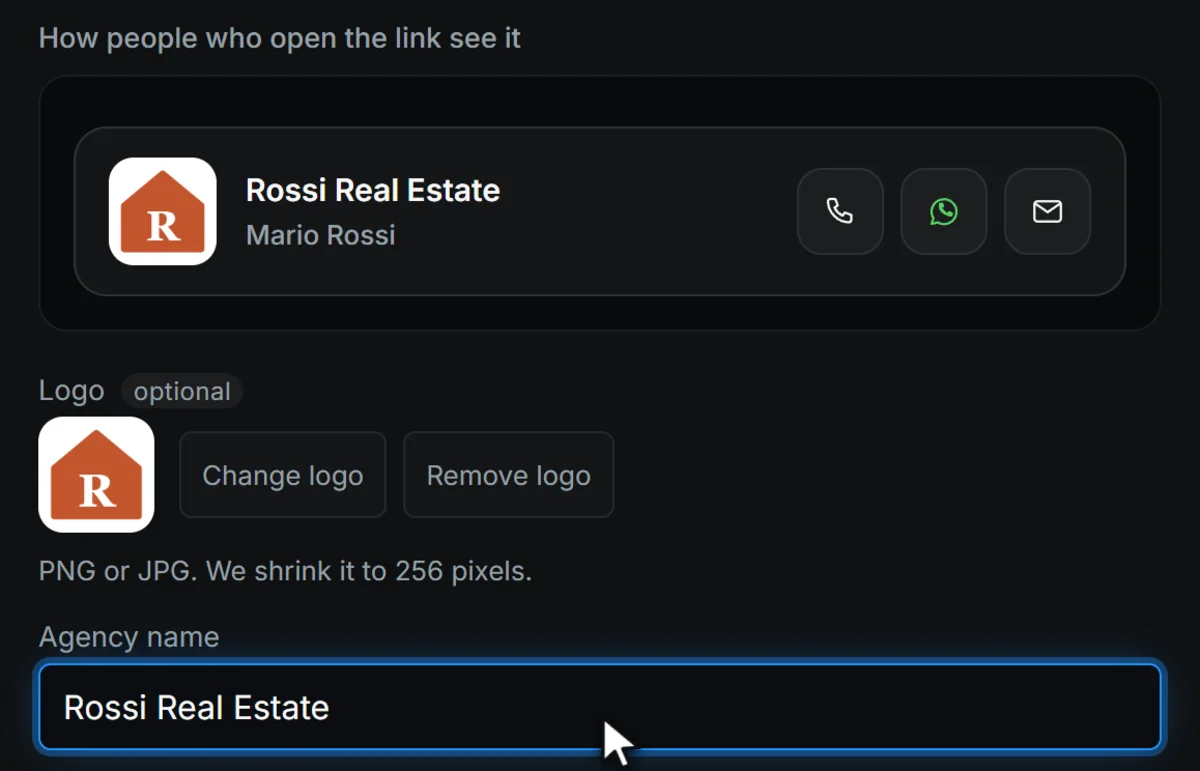
Add your logo, name and contacts, then Save
Use Choose a logo to upload your logo and type the Agency name, the only required field (the others are optional and the preview updates as you type); then, bottom right, press Save.
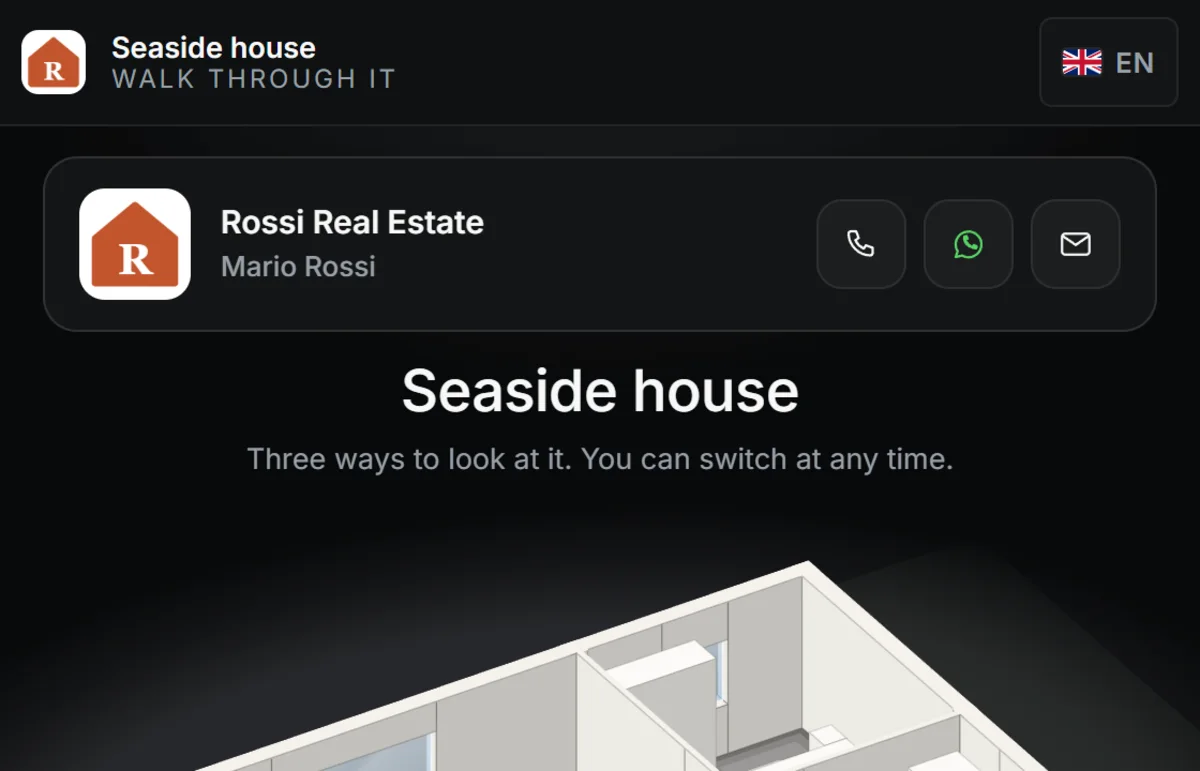
See the card on the link
Anyone who opens one of your links, even one already sent, sees your logo at the top and, above the three choices, the card with your name and contacts: one tap to call or message you.
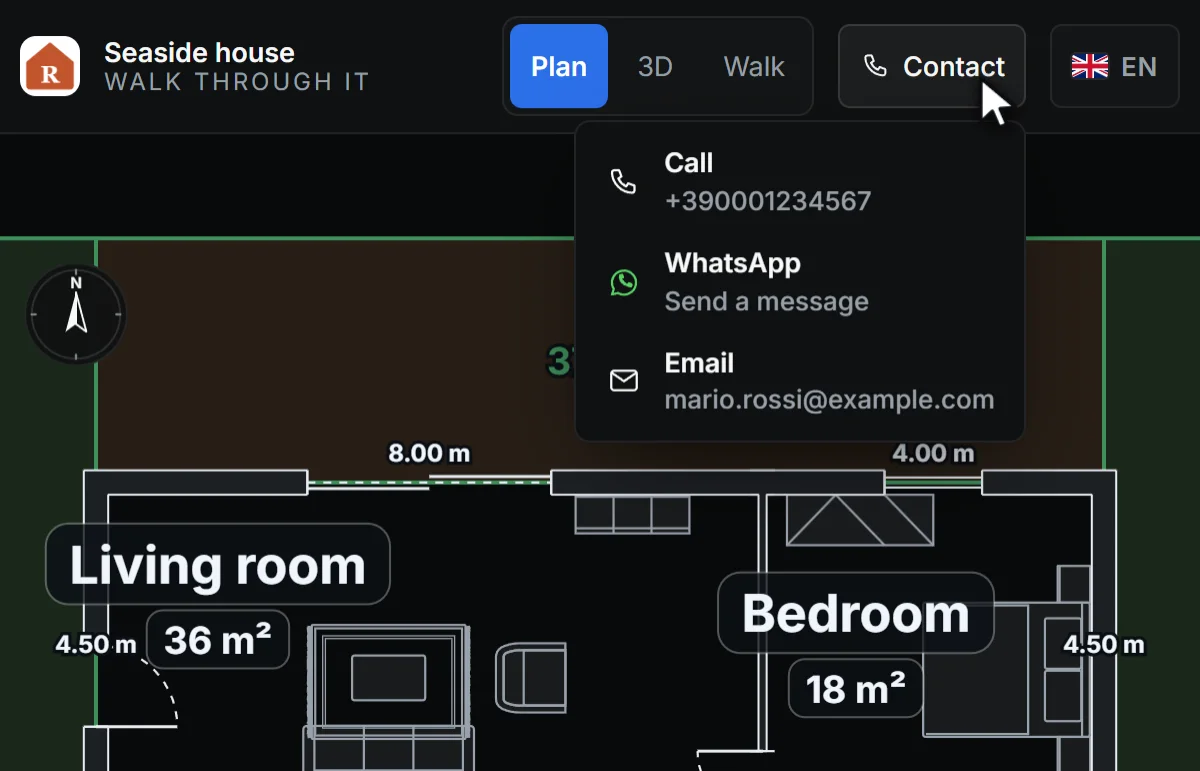
Find Contact inside the home
Whichever your client picks, Open the plan, Look in 3D or Walk right in, Contact is at the top (on a phone, just its icon): Call, WhatsApp and Email, if you filled them in.
Download plans and floor areas with your logo
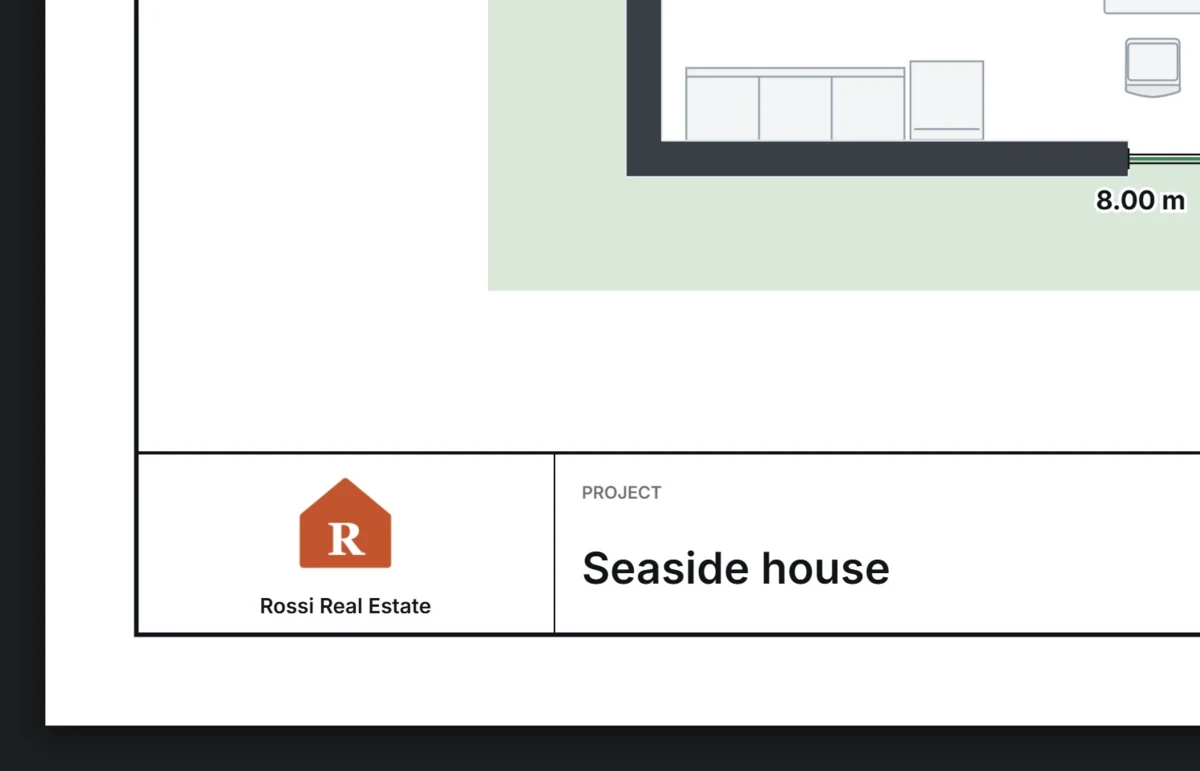
The A4 plan sheet and the Floor areas sheet you download carry your logo and agency name, with no Tutelia wording (how to download them).
What you learned
- Setting your agency's logo, name and contacts just once.
- Knowing where your client sees them: on the card at the top of the link, and through Contact inside the home.
- Knowing that downloaded plans and floor areas carry your logo, with no Tutelia wording.
Good to know
- It applies to all your links, including the ones already sent, as soon as you save, so your 3D client presentations carry your name; Contact only appears if you filled in at least one contact.
- Only the account owner can change it, and Remove branding asks you to confirm before taking it off every link.
- The link page with your branding shows no Tutelia wording: only the address, the browser tab (icon and title) and the chat preview are still Tutelia's; photos from the 3D view have no logo, and the sample home never shows any branding.