How to do it
Find your agency page
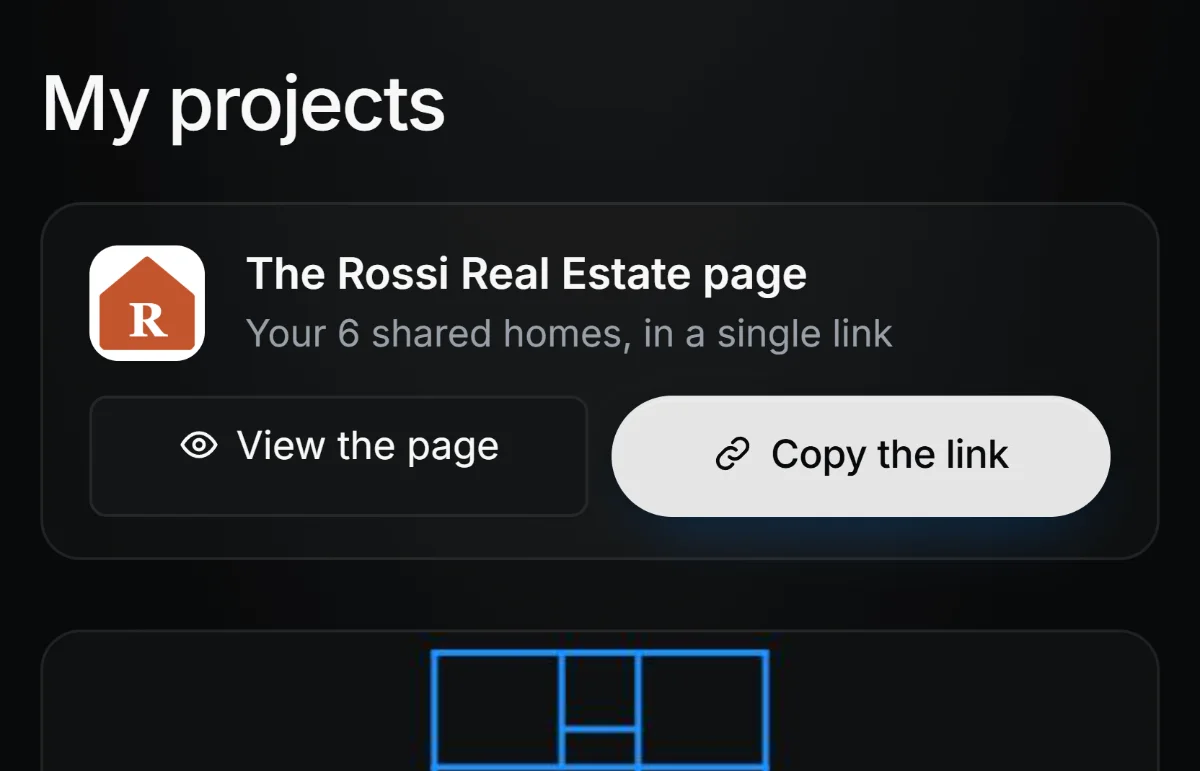
In My projects, above your projects, there's a strip with your agency's name: it says how many shared homes it holds, and has View the page and Copy the link.
Choose which homes to show
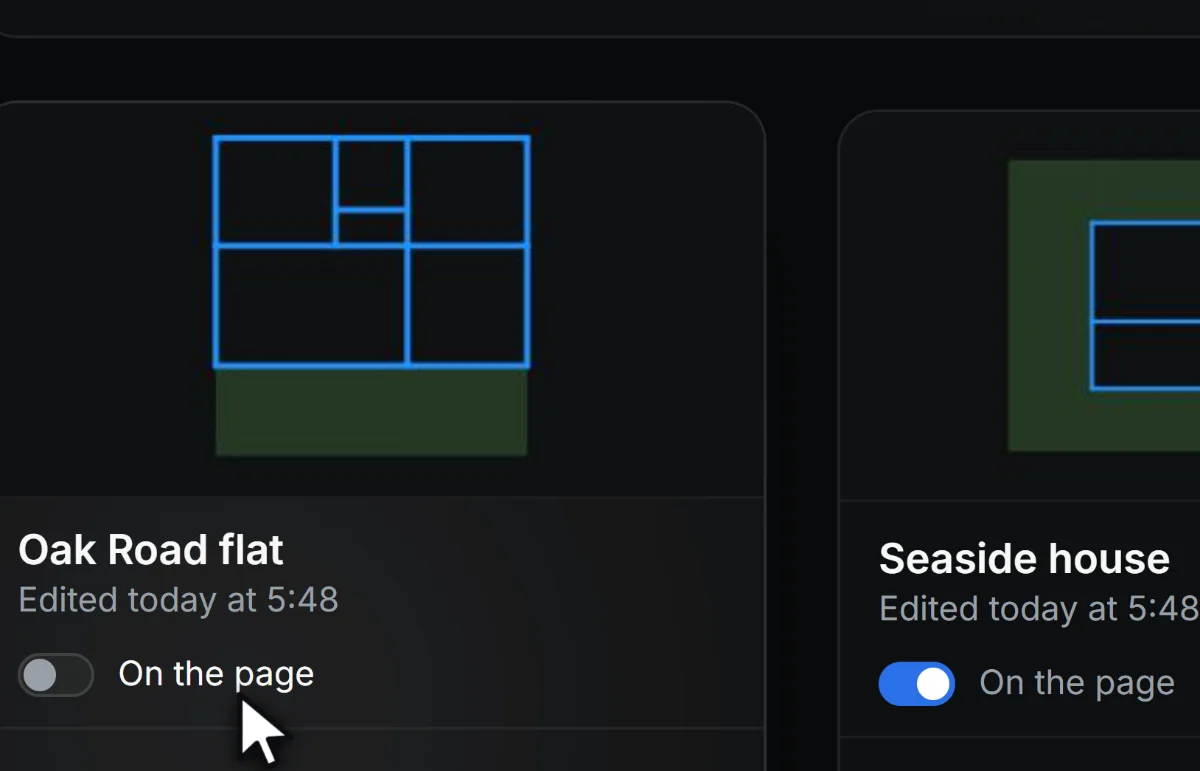
Every shared project has an On the page switch under its name, already on: turn it off and that home leaves the page.
View the page
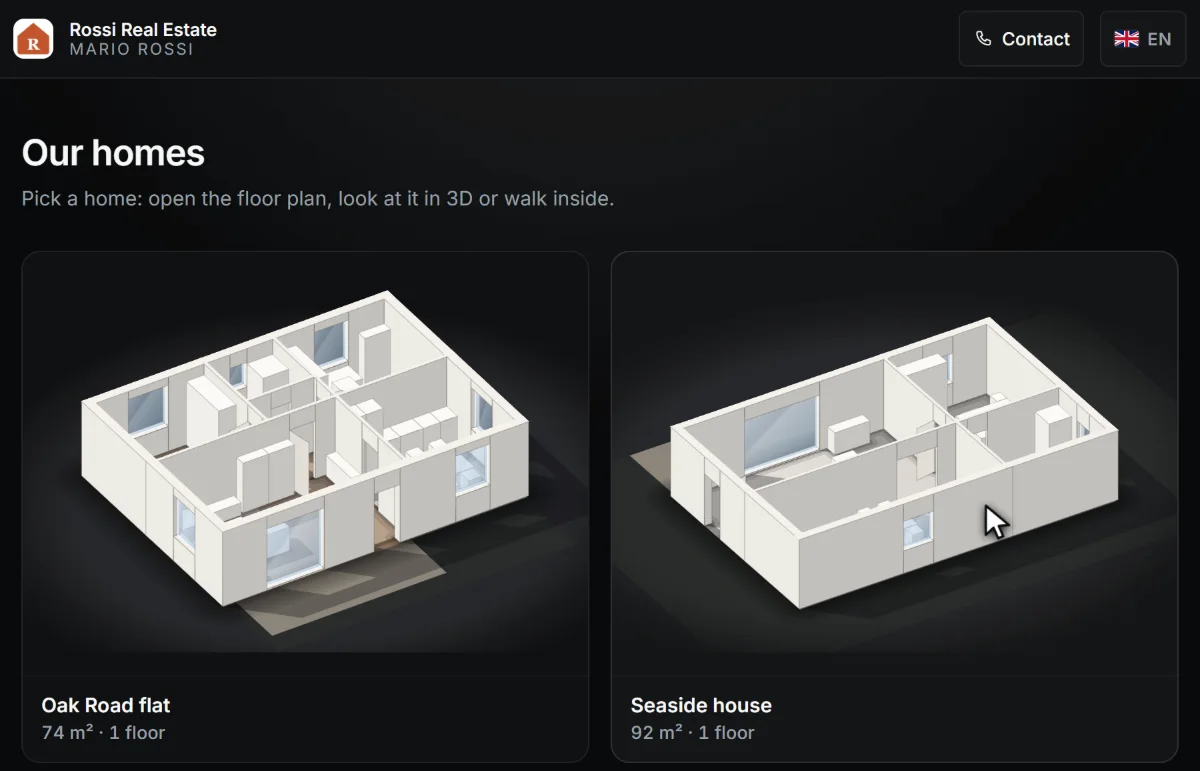
Press View the page: it opens in a new browser tab, just as your client sees it, with your branding at the top and Our homes, each with its model, square metres and floors.
Send the link to your client
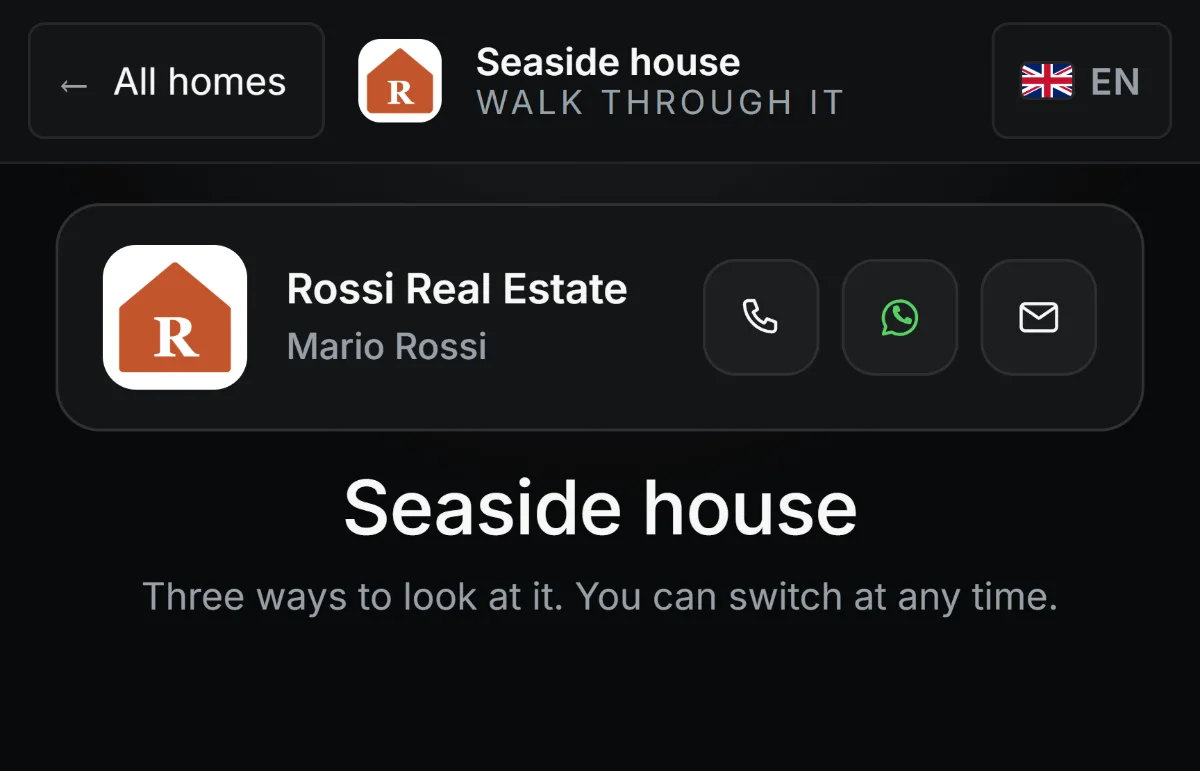
Press Copy the link and send it to your client: they open a home with one click, find your business card, and All homes takes them back to the page.
What you learned
- Finding your agency page above your projects.
- Choosing which homes to show with the On the page switch.
- Sending your client a single link with all your homes.
Good to know
- Shared homes are added automatically, and a home you stop sharing leaves the page too.
- Only the account owner sees the strip; without branding the page has no logo, name or Contact: add them with Your branding.
- Your clients open it without signing up: each home opens as a virtual house tour. Search engines don't show it, and opens are counted for each home.