How to do it
Draw the garden
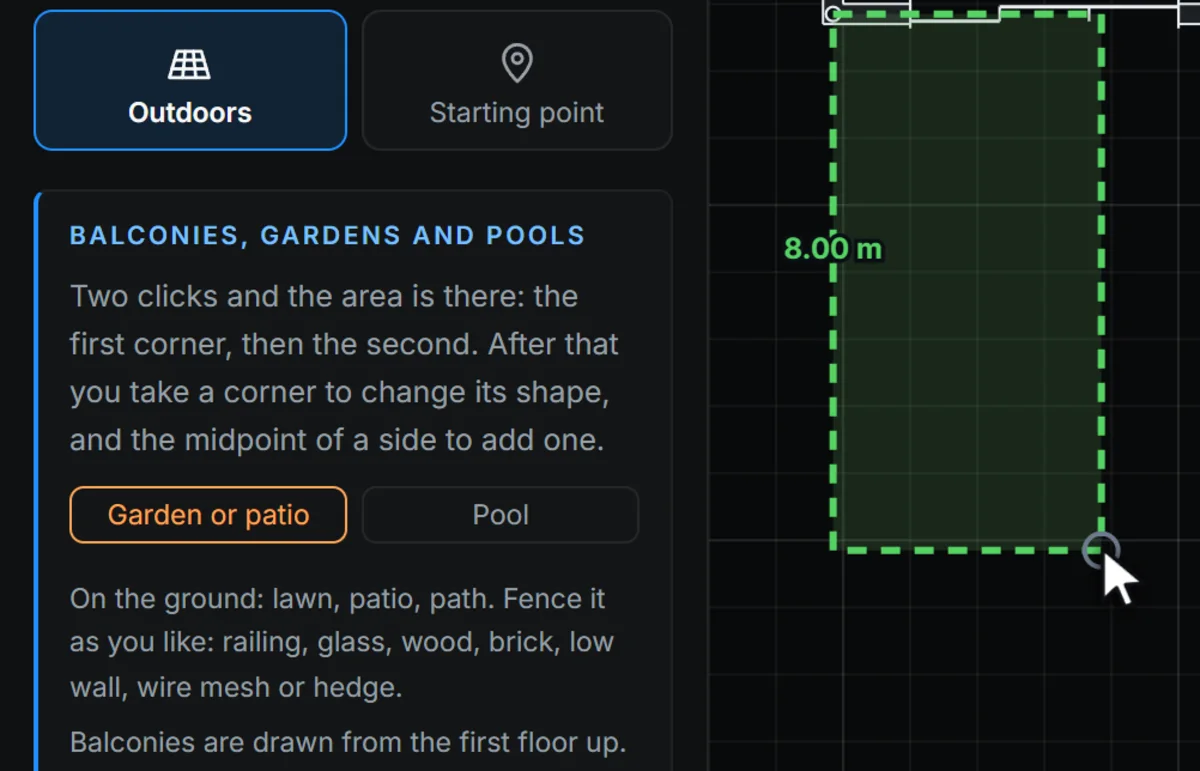
Choose Outdoors (8) and Garden or patio, then click two opposite corners: a lawn appears, and Finish turns it into stone, gravel or wood.
Choose the fence
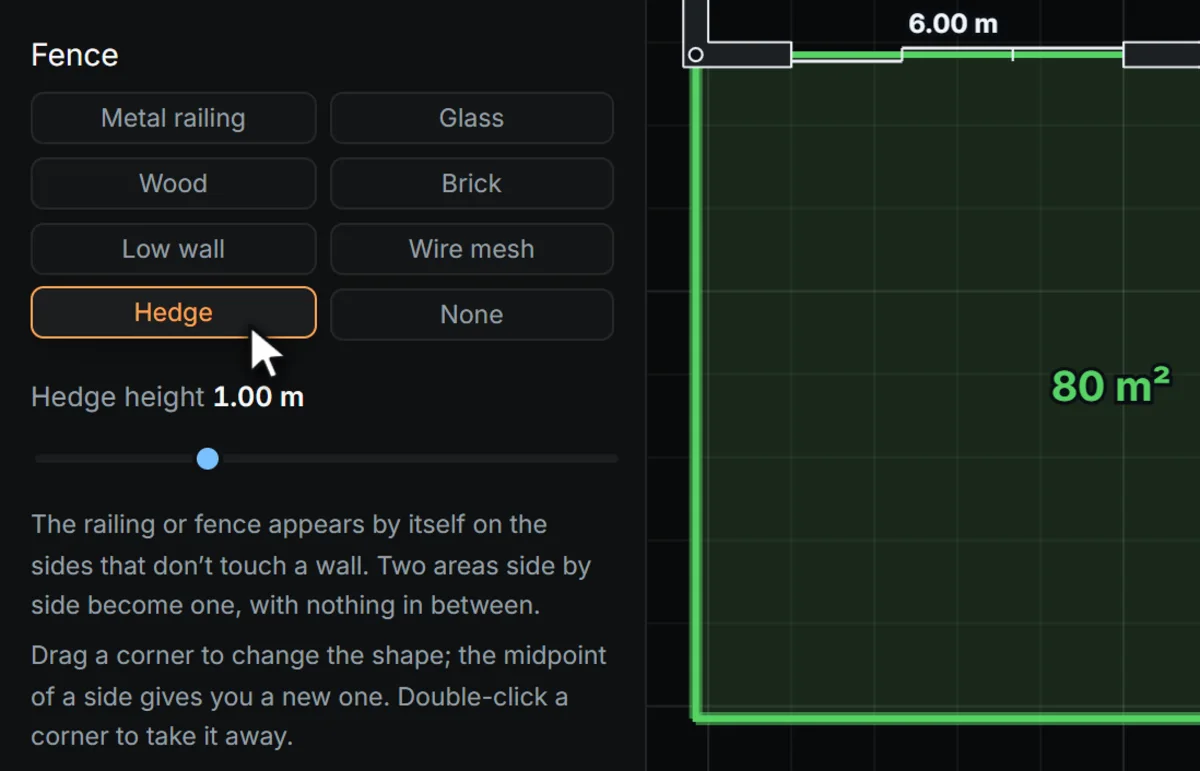
Further down the column, under Fence, pick Hedge or Metal railing, for instance: it appears automatically along the sides that don’t touch a wall.
Add the pool
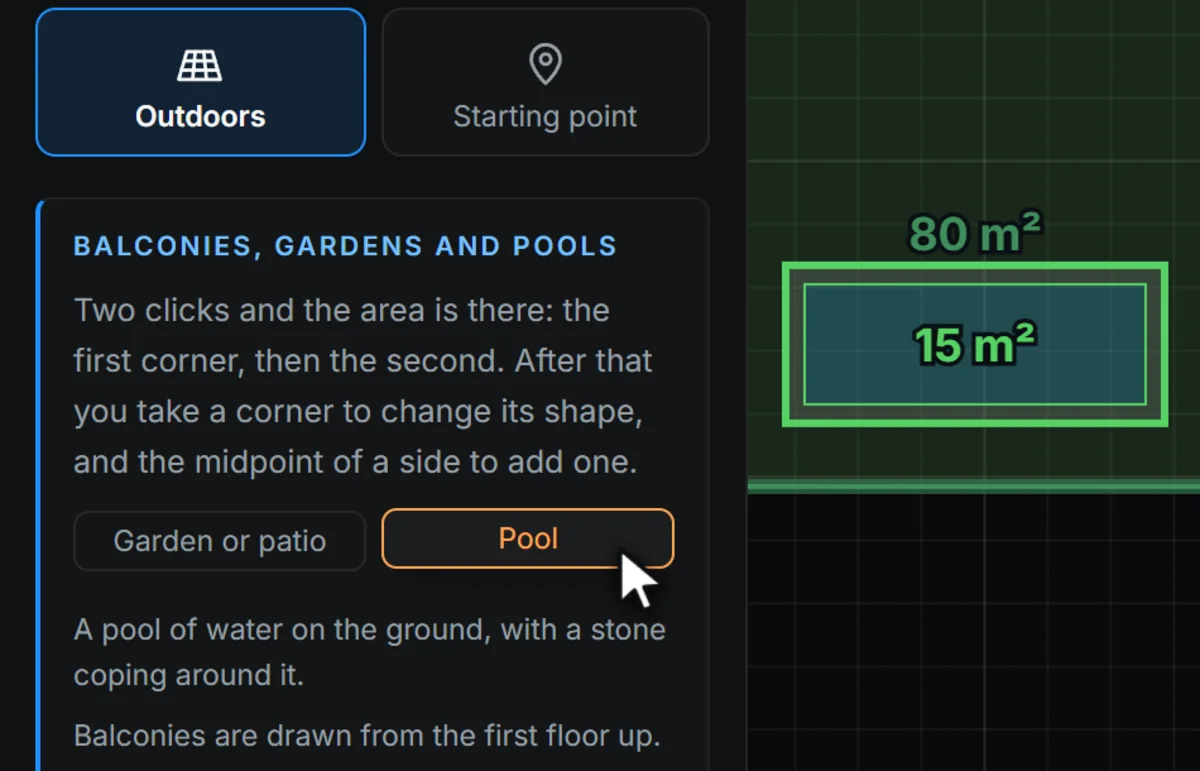
Scroll back up the column to Balconies, gardens and pools and choose Pool, then click twice inside the lawn to draw it.
Pick the pool’s style
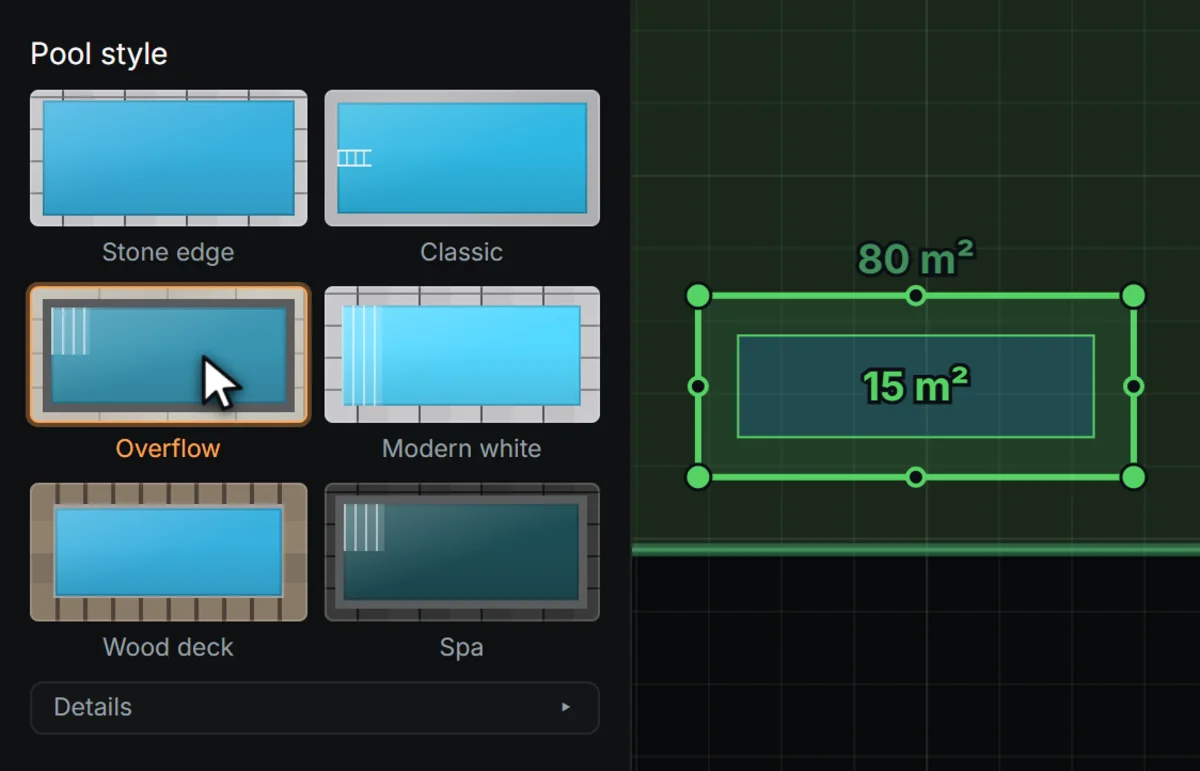
Your new pool stays selected: under Pool style pick one of six styles, such as Overflow (or click the pool in the 3D view); Details changes the edge, lining, way in and lights.
Put a balcony on the first floor
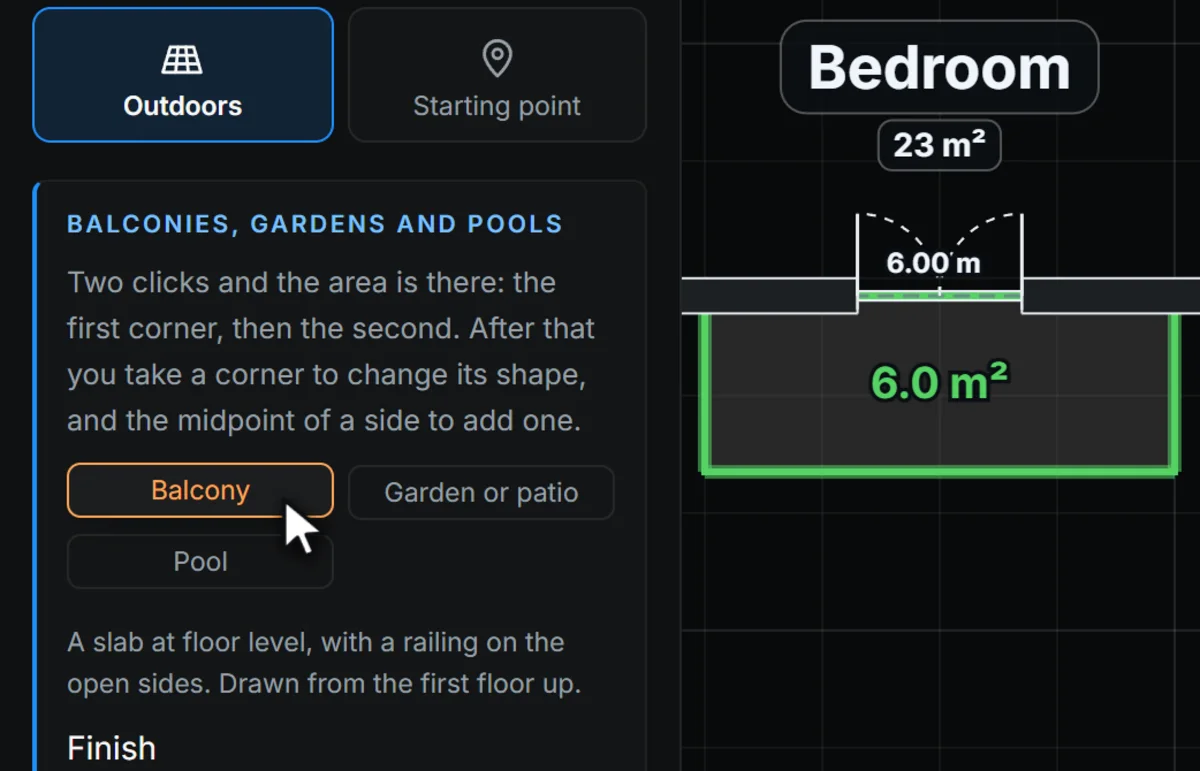
Go to the 1st floor (the + next to Ground floor adds it), pick Balcony in Outdoors, then draw it against the house with two clicks: the railing appears along the open sides.
What you learned
- Drawing a garden or patio with two clicks and fencing it.
- Finding Pool in the column and drawing the pool inside the lawn.
- Picking one of the six pool styles, right in the column.
- Putting a balcony on the first floor; its railing appears automatically.
Good to know
- Sun loungers, deck chairs, parasols and gazebos are in 3D objects, under Outdoor, and you place them just like furniture.
- A garden that isn’t a rectangle: drag a corner, or the midpoint of a side to add one. To change the Finish or Fence of a garden you've already drawn, select it with Select (2); with Outdoors in hand, those choices apply to the next one you draw. Two gardens side by side with the same fence become one. For the whole outdoor space, see the garden and pool design in 3D guide.
- For an indoor pool, draw it inside a ground-floor room: the edge sits flush with the floor.